Systems Architecture for OCR GCSE Computer Science (J277 section 1.1): 6 ready-made live quiz games, 87 questions in all.
The questions cover Hardware components, CPU Performance, CPU Architecture and Embedded Systems.
There are 3 picture rounds, 2 quickfire rounds and 1 practice set. Question types: 68 multiple choice, 17 true or false and 2 matching. 57 questions have a picture.
Pick a set, put the join code on the board and pupils play on their phones. Pupils need no account. Free for teachers, up to 40 players.
The gamesEach set is a fixed list of questions. Open a preview to see a few of them. Quickfire: Systems Architecture GCSE 15 questions · Warm-up
Plays in 17 of 17 game modes, including Gold Rush, Big Catch and Speed Blitz.
Preview 3 sample questions 1 What does clock speed measure?
The number of instructions executed per second The storage capacity of the CPU The data transfer rate between components The number of cycles per second
2 In which order does the fetch-decode-execute cycle operate?
Execute → Fetch → Decode Fetch → Execute → Decode Fetch → Decode → Execute Decode → Fetch → Execute
3 Which of the following contains an embedded system?
A washing machine A laptop running Windows A USB flash drive A desktop PC used for gaming
+ 12 more questions in the game.
Practice
Systems Architecture: CPU Performance GCSE 15 questions · Core
Plays in 17 of 17 game modes, including Gold Rush, Big Catch and Speed Blitz.
Preview 3 sample questions 1 CPU performance: true or false?
A quad-core processor has four independent processing units.
2 CPU cores: true or false?
A dual-core processor has two independent processing cores.
3 CPU performance: true or false?
Cache memory is faster to access than RAM.
+ 12 more questions in the game.
Quickfire: Computer hardware GCSE 15 questions · Warm-up ·
Plays in 13 of 17 game modes, including Gold Rush, Big Catch and Fossil Hunt.
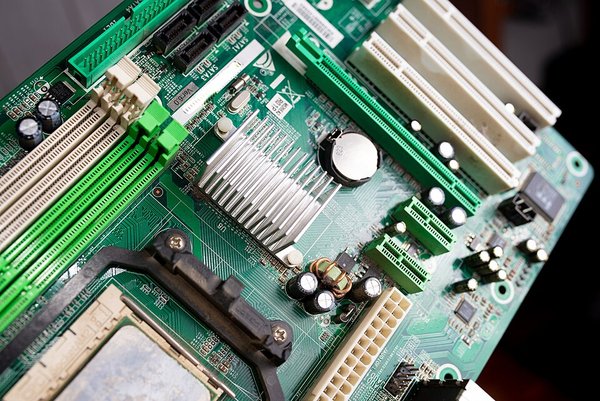
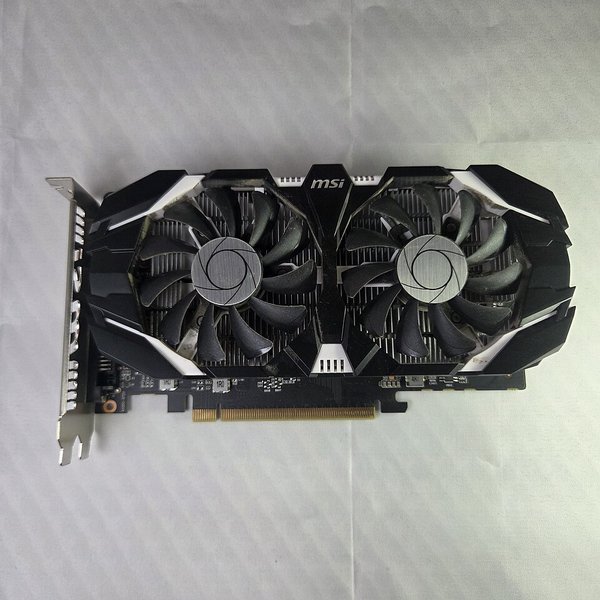
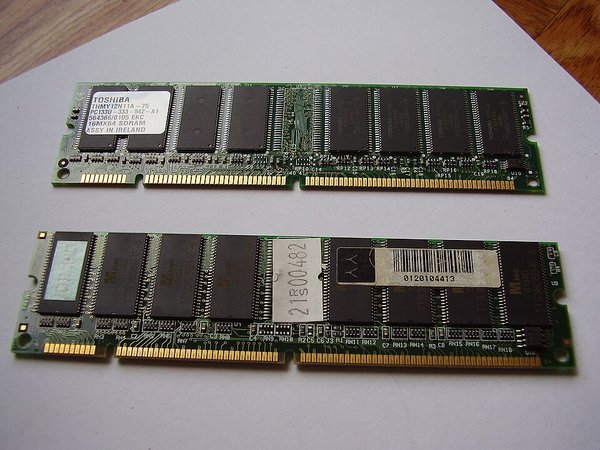
Preview 3 sample questions 1 Picture: Nenad Stojkovic, CC BY 2.0, via Wikimedia Commons
Name this hardware component.
RAM CPU Motherboard Graphics card (GPU)
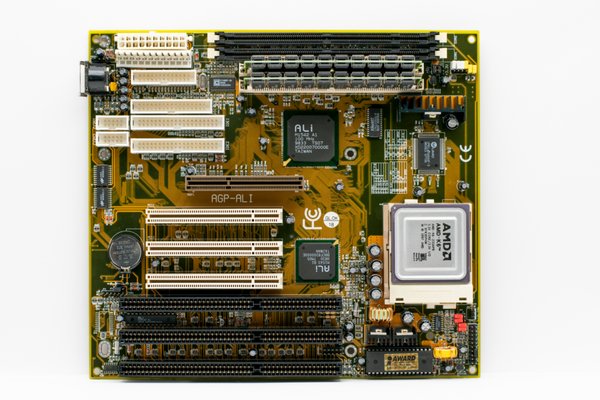
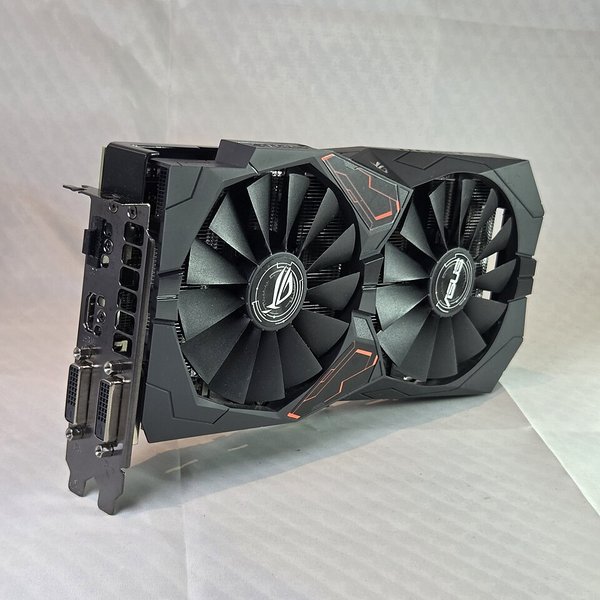
2 Picture: Мой Компьютер, CC BY 3.0, via Wikimedia Commons
Name this hardware component.
Motherboard CPU Graphics card (GPU) RAM
3 Which of these is a motherboard?
+ 12 more questions in the game.
Picture round: Hardware components GCSE 15 questions · Core ·
Plays in 13 of 17 game modes, including Gold Rush, Big Catch and Fossil Hunt.
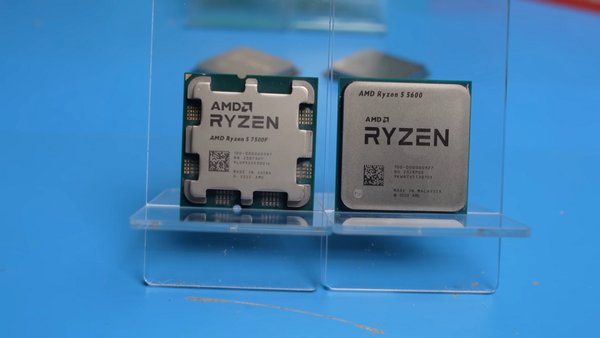
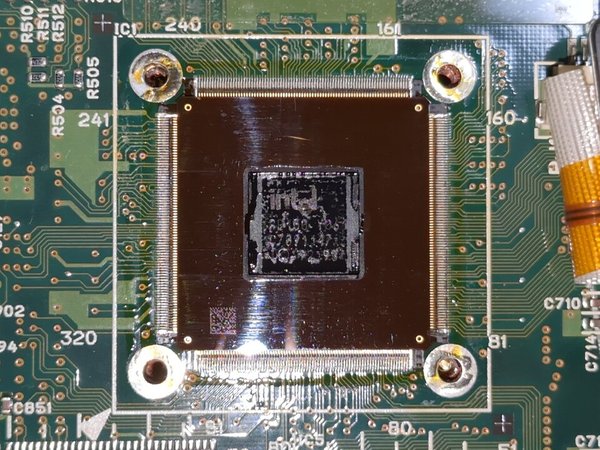
Preview 3 sample questions 1 Picture: TranslucentFoxHuman, CC0, via Wikimedia Commons
Name this hardware component.
CPU Motherboard Graphics card (GPU) Solid state drive (SSD)
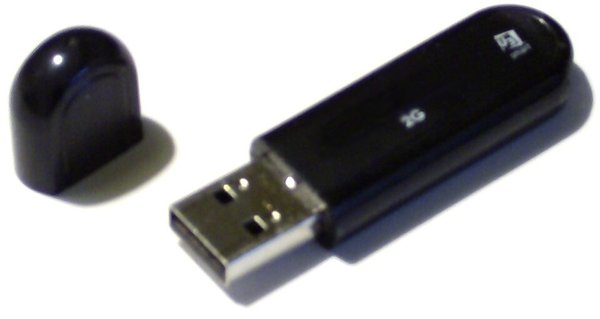
2 Picture: Peter Hosey, CC BY 2.0, via Wikimedia Commons
Name this hardware component.
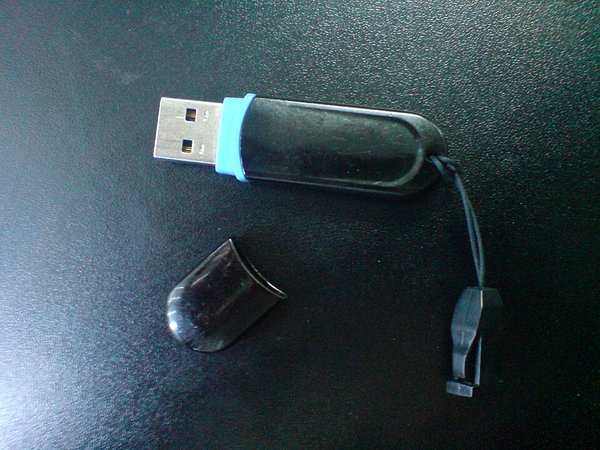
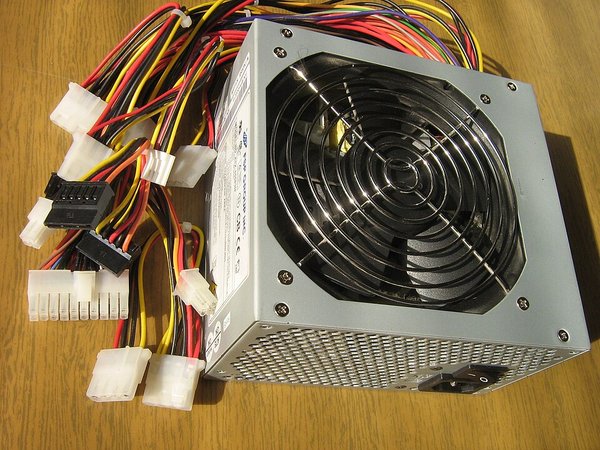
USB flash drive RAM Motherboard Power supply unit (PSU)
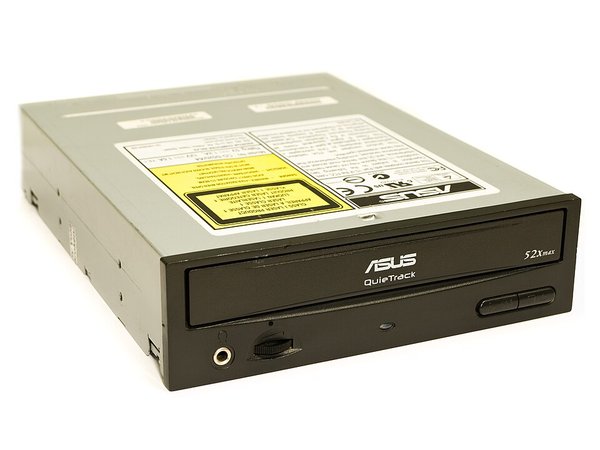
3 Picture: Mgpa, CC BY 3.0, via Wikimedia Commons
Name this hardware component.
Optical drive CPU Graphics card (GPU) USB flash drive
+ 12 more questions in the game.
Picture round: Hardware components, set 2 GCSE 15 questions · Core ·
Plays in 13 of 17 game modes, including Gold Rush, Big Catch and Fossil Hunt.
Preview 3 sample questions 1 Picture: Victor Korniyenko, CC BY-SA 3.0, via Wikimedia Commons
Name this hardware component.
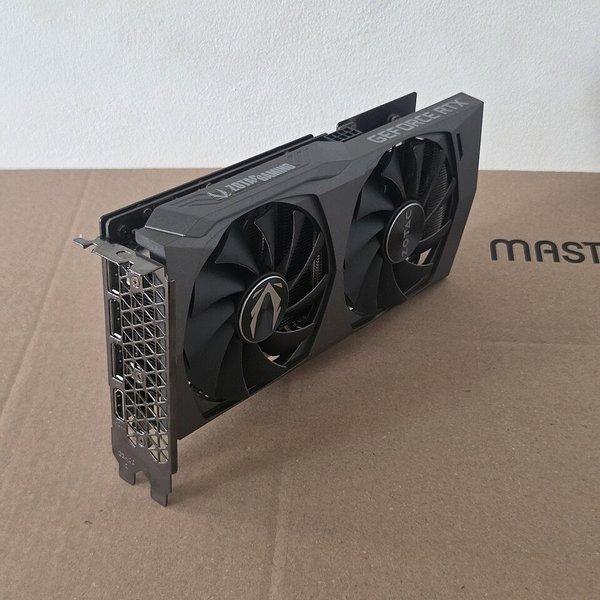
Graphics card (GPU) Power supply unit (PSU) Motherboard Optical drive
2 Picture: Raimond Spekking, CC BY-SA 4.0, via Wikimedia Commons
Name this hardware component.
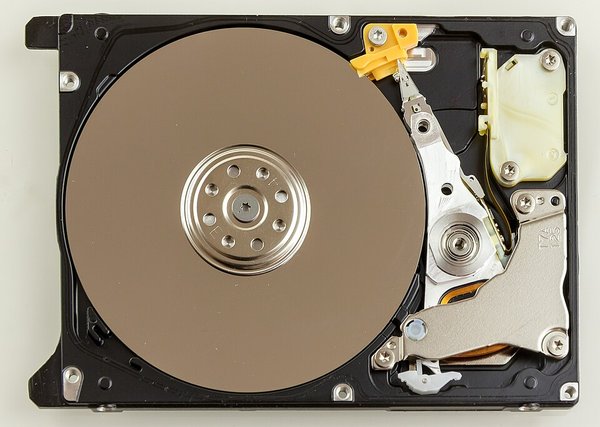
Hard disk drive (HDD) Power supply unit (PSU) CPU RAM
3 Picture: ITEagle Europe - Sebastiaan Broekhoven, CC BY-SA 4.0, via Wikimedia Commons
Name this hardware component.
Optical drive Power supply unit (PSU) CPU Graphics card (GPU)
+ 12 more questions in the game.
Picture round: Hardware components, set 3 GCSE 12 questions · Core ·
Plays in 13 of 17 game modes, including Gold Rush, Big Catch and Fossil Hunt.
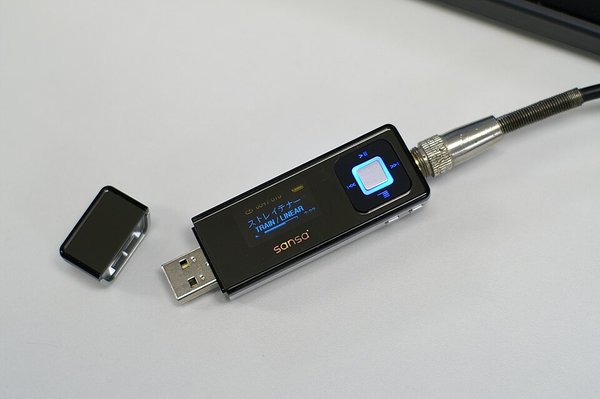
Preview 3 sample questions 1 Picture: Asim18, CC BY 3.0, via Wikimedia Commons
Name this hardware component.
USB flash drive Hard disk drive (HDD) Solid state drive (SSD) Optical drive
2 Picture: Cuisinier2, CC BY-SA 3.0, via Wikimedia Commons
Name this hardware component.
Power supply unit (PSU) RAM Solid state drive (SSD) Hard disk drive (HDD)
3 Picture: ITEagle Europe - Sebastiaan Broekhoven, CC BY-SA 4.0, via Wikimedia Commons
Name this hardware component.
Power supply unit (PSU) Hard disk drive (HDD) USB flash drive Graphics card (GPU)
+ 9 more questions in the game.
How hosting works Pick a set and a game mode. The questions stay the same; the game changes.Put the join code on the board. Pupils join at subjecthub.co.uk/play on a phone or laptop. They need no account.Play for 1 to 7 minutes. You choose the length before you start.Free for teachers: host these sets with up to 40 players. You sign up once as a teacher.
See how each game mode plays →
More GCSE Computer Science topics ← All GCSE Computer Science games · All live games