Start something new
Start from a game type, or blank.
Learn it
About Game Design Studio, and what schools get
A free online game maker for schools
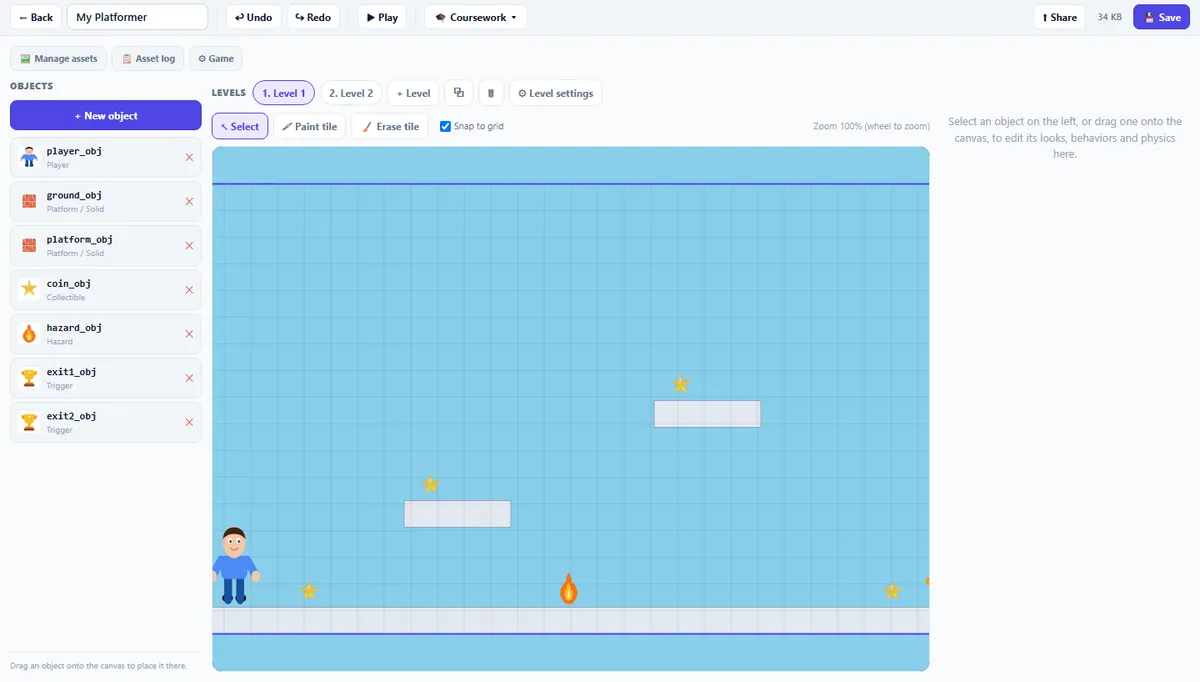
Game Design Studio is where pupils design a real game without writing code. They build rooms, place objects, give them behaviour with logic rules, and press Play to test it. It runs in the browser on school desktops and Chromebooks, and nobody needs an account to use it.
What pupils can do with it
- Rooms and objects. Lay out levels, place players, enemies, walls, collectables and exits, and set how each one behaves.
- Logic rules. When play starts, when a key is pressed, when two objects collide, when a timer runs out: pupils pick a trigger and the steps that follow, such as adding to a score.
- Play it straight away. One click playtests the game, so pupils design, test and improve in a tight loop.
- Their own art. Draw pixel sprites in the browser or bring in a drawn image.
- Game types to start from. Platformer, collector, maze runner, Breakout, Flappy, shooter, dodge and a quiz quest, or a blank game.
- Export it. Download the finished game as a single HTML file that opens in any browser.
Guided tutorials
An Explore tutorial takes a platformer apart, and a Build tutorial walks pupils through making a tiny game of their own.
- Platformer Basics (Explore)
- Build a Tiny Game (Build)
Made for Creative iMedia R099
R099 (digital games) asks pupils to plan, create and review a game. Game Design Studio has a Plan space for the game design document and a Review space alongside the editor, and with a school account each game saves to their work and can be shared as a link for assessment.
Common questions
- Is it free, and do pupils need an account?
- It is free to use, with no account. Pupils can build, play and export a game. Saving to an account, sharing a play link, and uploading their own backgrounds or sounds come with a free 7-day trial or a school plan. Sign-in opens in a new tab so nothing is lost.
- Do pupils need to know how to code?
- No. Behaviour is built from logic rules (a trigger and the steps that follow), which teaches the same thinking as code: events, conditions and variables.
- Does it work on school computers and Chromebooks?
- Yes. It runs in the browser, so there is nothing to install, and an exported game opens in any browser too.
- Can I set it as work and see what pupils make?
- With a school account, yes. Send it to every pupil's screen, launch it from a lesson or assignment so their game is saved against it, and open any pupil's file to see it.
What a school account adds
Game Design Studio stays free and is one of about twenty tools. A school account adds saved work that follows a pupil between devices, play links for assessment, Creative iMedia courses and resources, and a dashboard showing where a class needs help.
Also free: the Character Studio, online Pygame editor, Creative iMedia resources and every other free tool.