OCR Creative iMedia (J834): R093 revision, exam questions and coursework tools
R093 asks pupils to plan and improve pre-production documents, so that is what they practise here, marked against OCR’s levels.
In beta: open to schools now, and still being built.
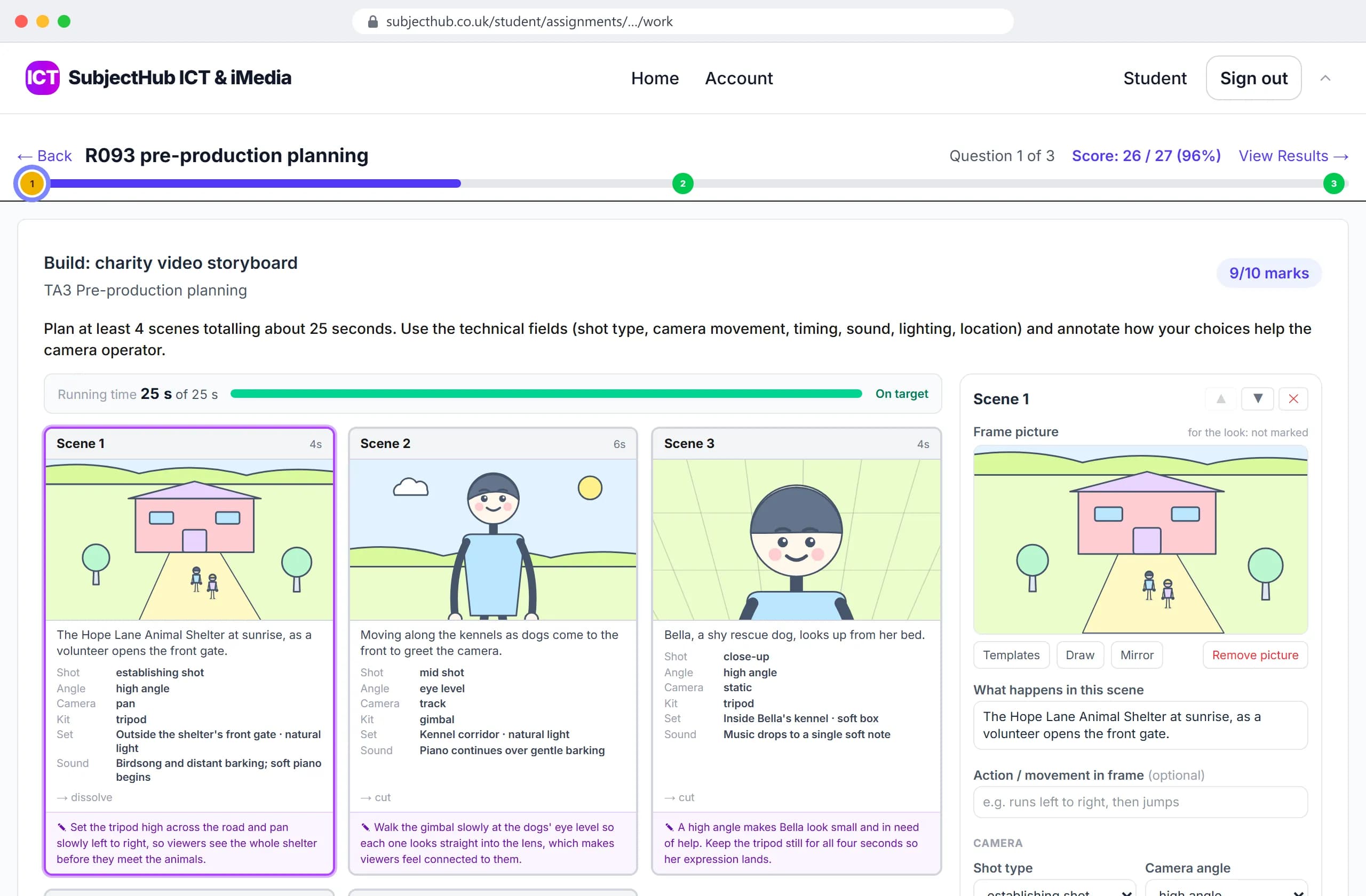
R093, ready to set
- R093 questions across all four topic areas
- 957R093 questions across all four topic areas
- mock papers in the real paper's shape: 70 marks, 1 hour 30 minutes
- 4mock papers in the real paper's shape: 70 marks, 1 hour 30 minutes
- storyboards, mind maps, work plans, wireframes and mood boards to build or improve
- 31storyboards, mind maps, work plans, wireframes and mood boards to build or improve
- extended answers marked in levels, the way the paper marks them
- 96extended answers marked in levels, the way the paper marks them
Also built: 69 five-a-day sets, 8 topic tests, 6 Section B scenario sets, 12 Section A drills and 12 extended-response drills.
From the library to a marked document
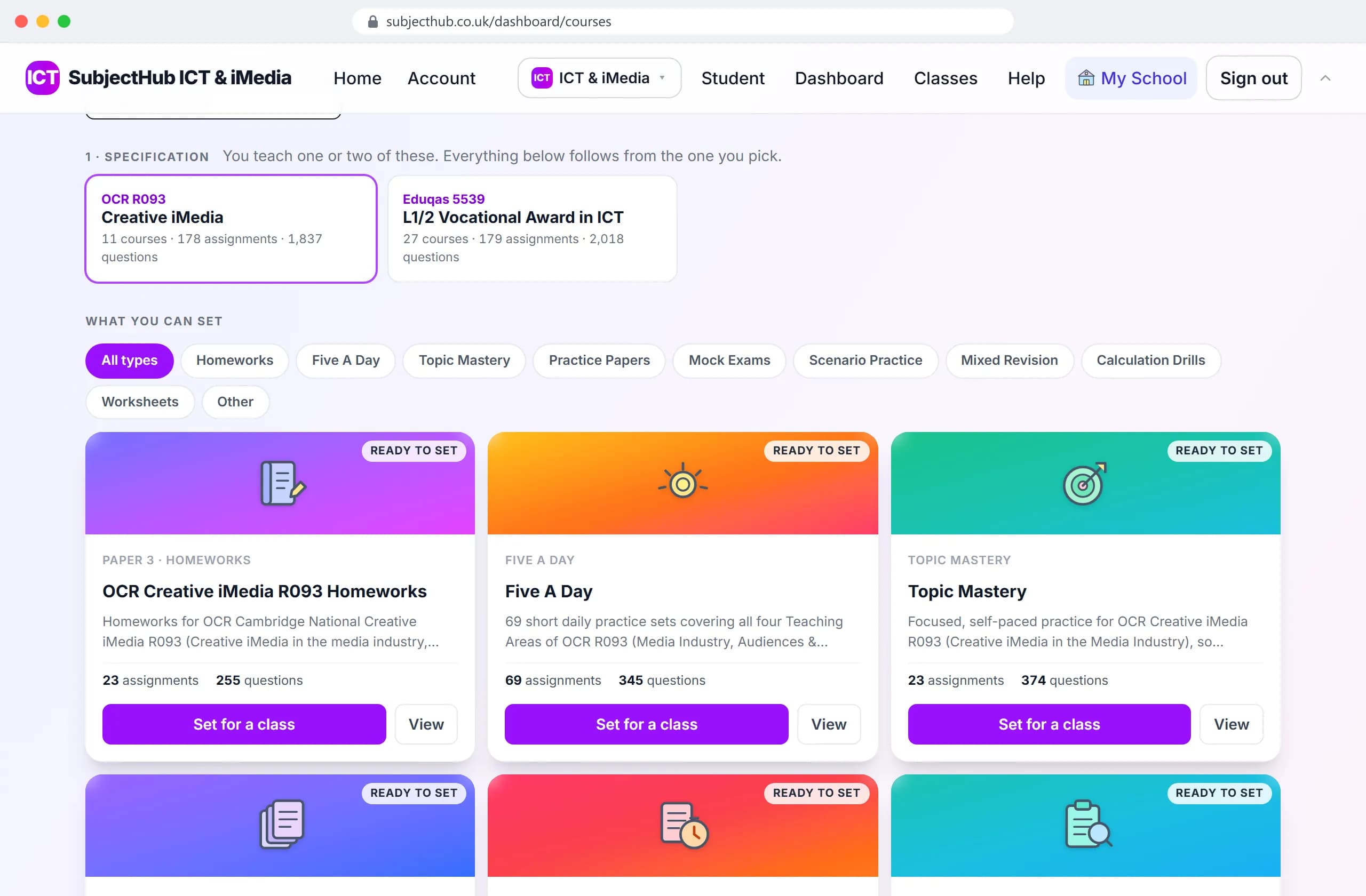
Pick an R093 course
Homework, five-a-day, topic mastery, scenarios and papers, ready to set.
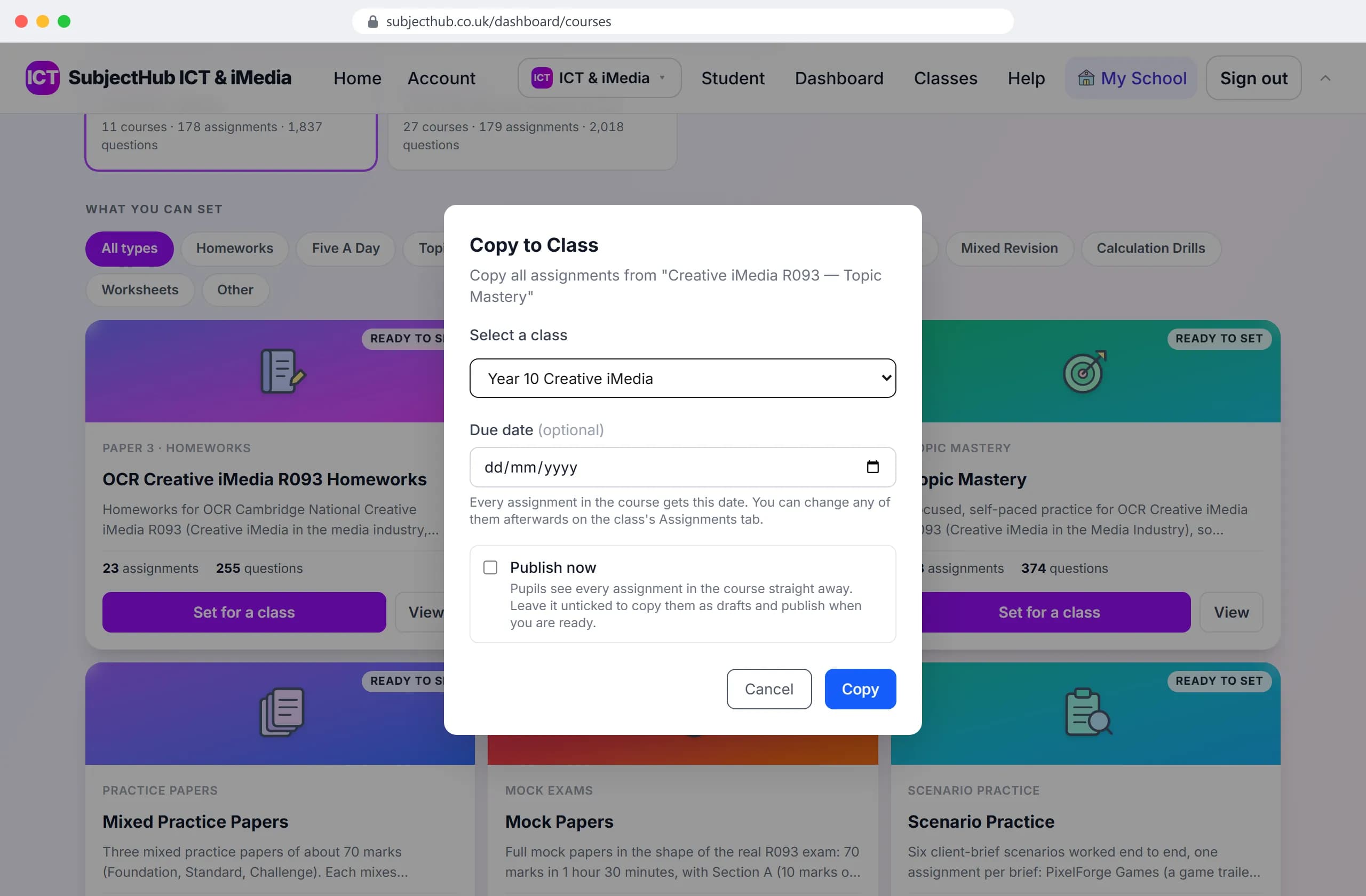
Set it for a class
Choose the class; the whole course is copied to it.
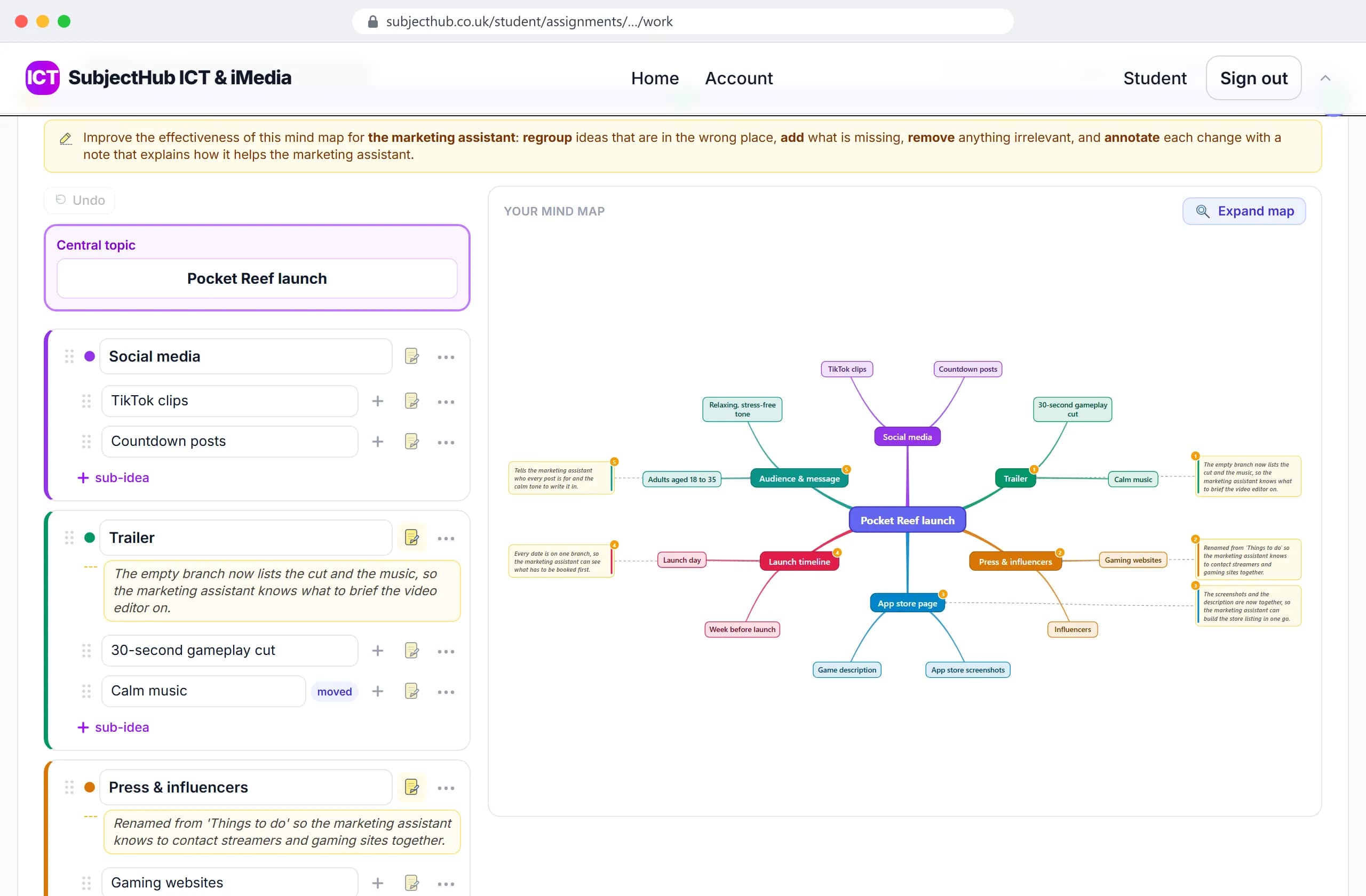
They build the document
Here, a mind map improved in the browser, each change annotated.
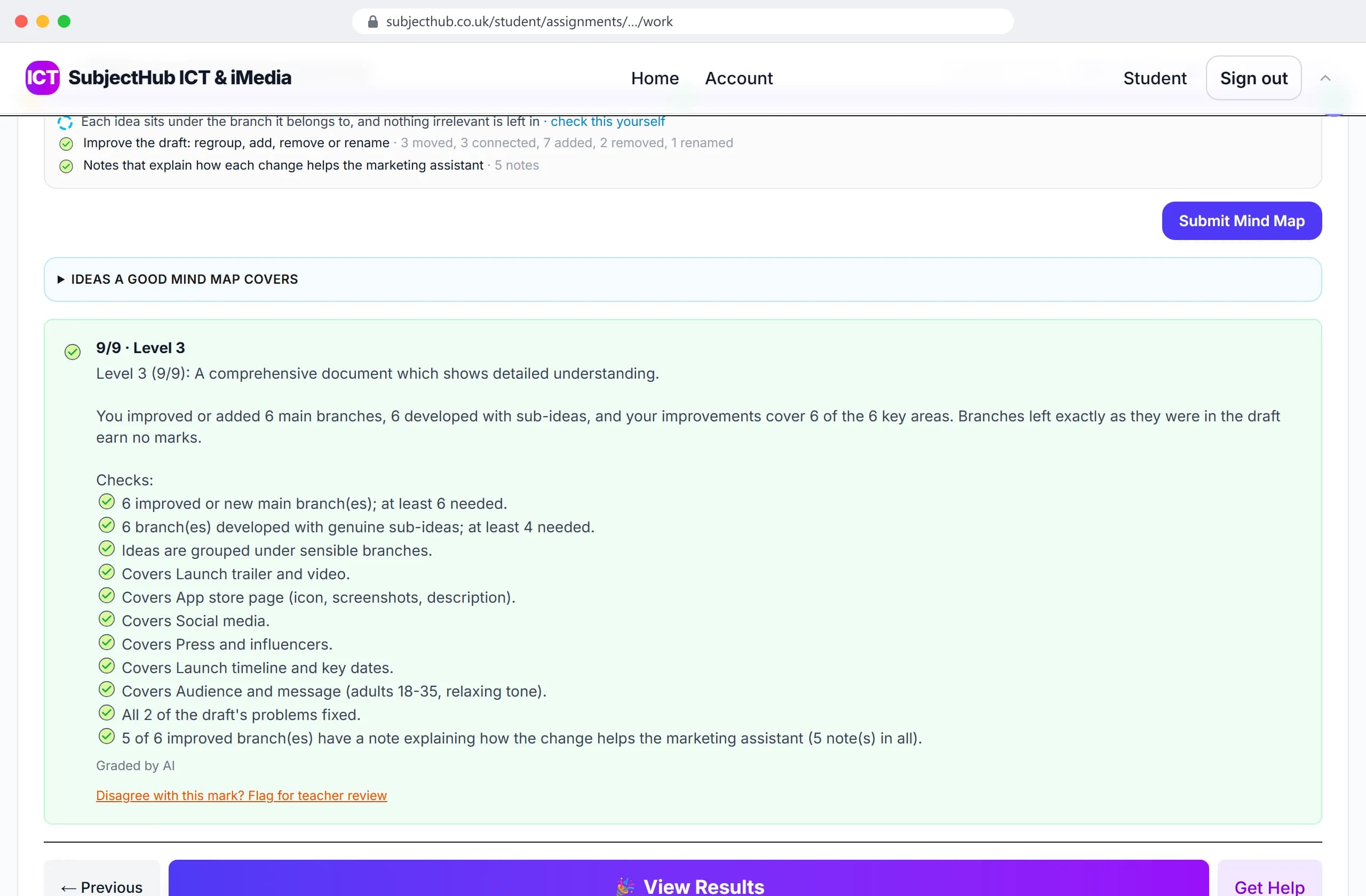
Marked to OCR's levels
A level and a mark, every check listed. You can change the mark.
R093 revision, exam questions and coursework in one place
- R093, the exam. Every topic area, from media sectors and job roles to client briefs, media codes, legal issues, file formats and distribution, as homework, five-a-day, topic mastery, Section B scenario practice, mixed practice papers and mock papers. Nine-mark answers, and documents like storyboards and mind maps, are marked in levels.
- R094 and R095, the coursework. Set up with an evidence slot for each stage. Pupils make the work in the studios below, so it lands in one place.
- Not yet: R096 to R099 are not set up as coursework, though Animation Studio, Interactive Slides and Game Maker are there to use.
Eight studios for the coursework
They open in a browser tab, with nothing to install. Three more are being built: a work plan builder, a client brief generator and an asset explorer.
- Storyboard Studio
- Shot types, camera movement, timings, transitions and sound, frame by frame, the way R093 and R095 expect a storyboard to read.
- Mind Map Studio
- Branching mind maps for planning a project.
- Comic Strip Studio
- Panels, captions, speech balloons and sound-effect lettering for R095 comics, exported to PNG or PDF.
- Image Editor
- Layers, drawing tools and photo import, so graphics skills get practised without a licence for anything.
- Animation Studio
- Keyframes, timing and easing for moving-image work, with onion skinning.
- Character Designer
- A character profile, design notes, and turnaround and expression sheets, for R095.
- Interactive Slides
- Multimedia products with hotspots and navigation, for R097.
- Game Maker
- Design and build a playable game for R099, from concept to testing.
Want it for your iMedia groups?
Any school that subscribes by 31 October 2026 gets all three packages, iMedia included, for its first year.