Internal Components
Eduqas ICT (5539)U1 L06GCSELesson packSubscription
Also online
This worksheet marks itself
Set it as homework or classwork and every answer is marked as pupils go, with feedback on what they got wrong. The scores go straight into your mark book, so you can see who needs help before the next lesson.
- 10 questions
- 30 marks
- about 30 minutes
- marked instantly
Question types: short answer, multiple choice, matching, fill the gap, true or false.
About this resource
Eduqas 5539 Unit 1, sub-point 1.1.1 — the last hardware lesson before software. What's actually inside a computer's case: the CPU, RAM, motherboard, GPU, power supply unit, and the ports that connect everything to the outside world. The guidance for teaching flags this as the area learners know l…
18 slides.
Lesson outline
- Do Now — Retrieval from Lesson 5
- Keywords for This Lesson
- Quick Check — What's Inside the Case?
- What's Inside the Case?
- The Main Internal Components
- Quick Check — The Motherboard
- CPU and RAM — Don't Mix Them Up
- Hinge Question — CPU, RAM or Storage?
- GPU and PSU
- Upgrading a Slow Computer: RAM or CPU?
- Ports — Connecting to the Outside World
- Quick Check — Matching Ports to Devices
Unit bundleUnit 1 · Lessons
More from Unit 1 · Lessons
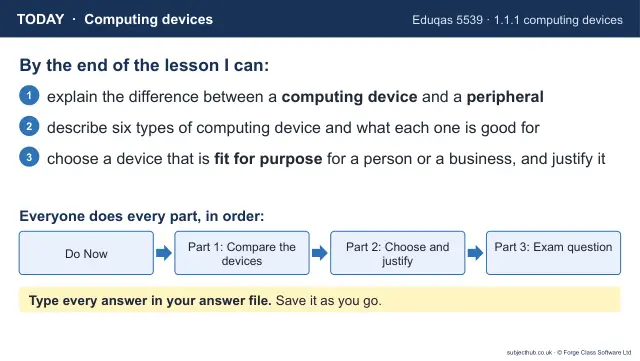
- Lesson pack · U1 L01Computing DevicesSubscription
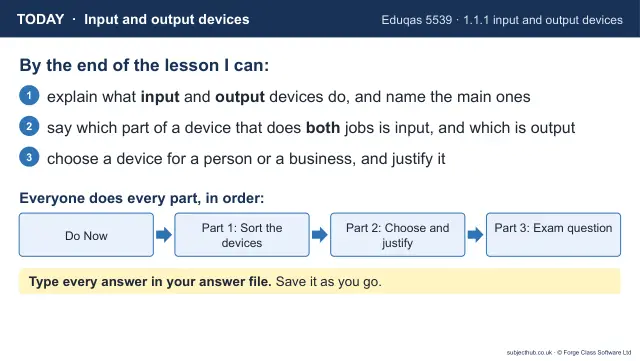
- Lesson pack · U1 L01bInput and Output DevicesSubscription
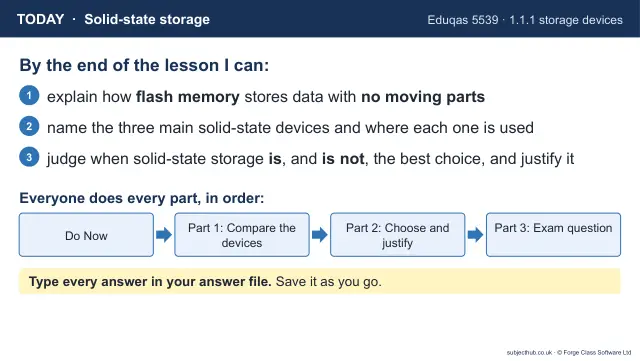
- Lesson pack · U1 L02Solid-State StorageSubscription
- Lesson pack · U1 L03Magnetic StorageSubscription
- Lesson pack · U1 L04Optical StorageSubscription
- Lesson pack · U1 L05Cloud StorageSubscription
- Lesson pack · U1 L07Systems SoftwareSubscription
- Lesson pack · U1 L08Utility SoftwareSubscription