Frames and Keyframes — Building the Movement
KS3Lesson packSubscription
Also online
This worksheet marks itself
Set it as homework or classwork and every answer is marked as pupils go, with feedback on what they got wrong. The scores go straight into your mark book, so you can see who needs help before the next lesson.
- 12 questions
- 35 marks
- about 45 minutes
- marked instantly
Question types: short answer, multiple choice, true or false, matching, fill the gap.
Try one from this worksheet
Which statement correctly describes a keyframe?
Pick an answer: it's marked straight away, just as your pupils would see it.
About this resource
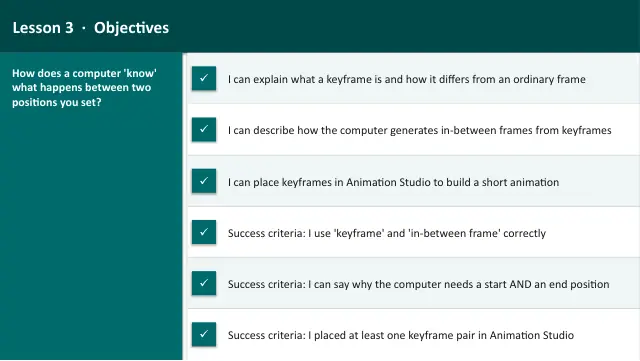
Animation & Storytelling — Lesson 3 of 6. How movement is built from keyframes and in-between frames, and placing keyframes in the platform's Animation Studio.
14 slides.
Lesson outline
- Hook
- Do Now — Retrieval
- Keywords for This Lesson
- Keyframe — What It Is and What It Is Not
- Quick Check — Keyframe Vocabulary
- How In-Between Frames Are Made
- Hinge Check — Who Draws the In-Between Frames?
- Making Movement Feel Natural
- Task 1 (guided) — Two Kinds of Keyframe
- Task 2 (guided) — Keyframe or In-Between Frame?
- Task 3 (semi-guided) — Spot the Keyframes
- Task 4 (independent) — Build It in Animation Studio
Unit bundleAnimation
More from Animation
- Lesson packAnimation ProjectSubscription
- Lesson packStory and SoundSubscription
- Lesson packStoryboarding — Planning Your AnimationSubscription
- Lesson packTiming and MovementSubscription
- Lesson packWhat Is Animation?Subscription
- Knowledge organiserAnimation & StorytellingSubscription
- Scheme of workAnimation & StorytellingSubscription