The World Wide Web: How a Page Loads
This worksheet marks itself
Set it as homework or classwork and every answer is marked as pupils go, with feedback on what they got wrong. The scores go straight into your mark book, so you can see who needs help before the next lesson.
- 14 questions
- 35 marks
- about 50 minutes
- marked instantly
Question types: short answer, multiple choice, fill the gap, table completion, true or false.
Try one from this worksheet
People often mix up the internet and the World Wide Web, but they are not the same thing. Which statement is correct?
Pick an answer: it's marked straight away, just as your pupils would see it.
About this resource
Lesson 4 of 6 in Networks & the Internet. Skill lesson: trace a web page load, step by step, from typing a URL to the page appearing — browsers, web servers, URLs, DNS and HTTPS, modelled twice, done together, then practised alone against the traps people really fall for.
15 slides.
Lesson outline
- Hook — 0.2 Seconds
- Do Now — Retrieval
- Keywords for This Lesson
- You Already Know Client and Server — Meet the Five Parts
- I Do — Trace www.bbc.co.uk
- Hinge Check — What Does DNS (Domain Name System) Do?
- I Do — Trace the SAME Page, One Minute Later
- We Do — Trace shop.example.co.uk Together
- Complete the Trace
- You Do — Two Full Traces
- You Do — Six Judgements
- You Do — The Named Traps
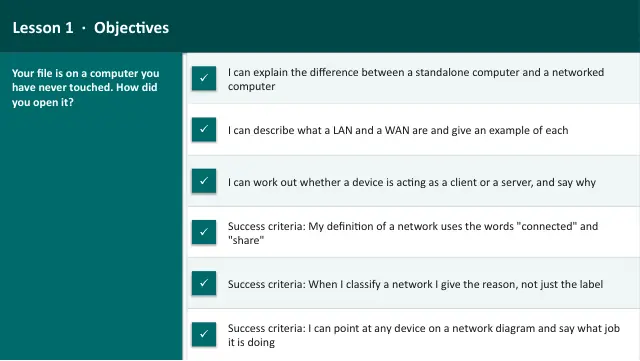
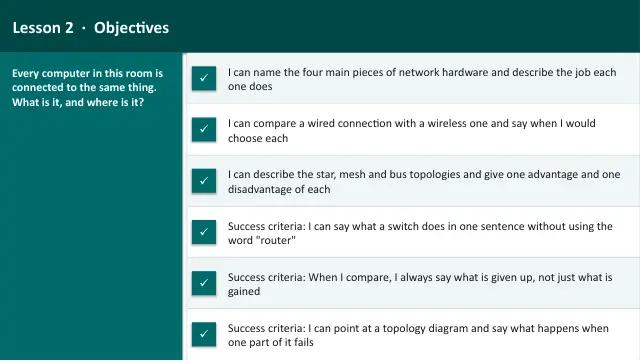
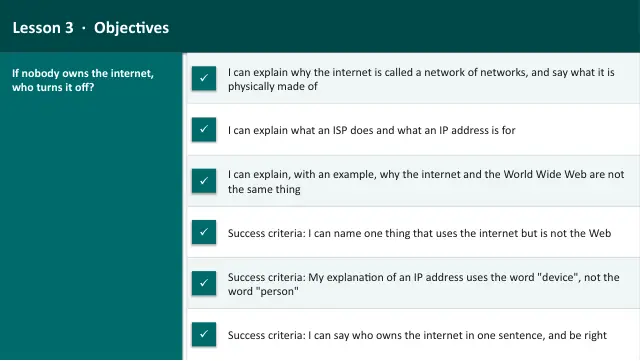
More from Networks
- Lesson packNetwork Hardware & TopologiesSubscription
- Lesson packNetworks: Unit Assessment & ResponseSubscription
- Lesson packPackets & ProtocolsSubscription
- Lesson packThe Internet: A Network of NetworksSubscription
- Lesson packWhat Is a Network?Subscription
- WorksheetNetworks: unit assessmentSubscription
- Knowledge organiserNetworks & the InternetSubscription
- Scheme of workNetworks & the InternetSubscription