Network Hardware
OCR J2771.3dGCSELesson packSubscription
Also online
This worksheet marks itself
Set it as homework or classwork and every answer is marked as pupils go, with feedback on what they got wrong. The scores go straight into your mark book, so you can see who needs help before the next lesson.
- 7 questions
- 26 marks
- about 18 minutes
- marked instantly
Question types: short answer, matching, true or false, fill the gap, ordering.
About this resource
Understand the hardware needed to connect computers into a network - routers, switches, NICs, and wireless access points - and the role each one plays.
13 slides.
Lesson outline
- Prior Knowledge Check
- NIC - Network Interface Card
- Switch
- Router
- WAP - Wireless Access Point
- Network Hardware in Action
- Match the Hardware
- True or False - Network Hardware
- Put It in Order
- Exam Practice - Hardware Roles
- Summary - Key Points for the Exam
Unit bundle1.3 Networks
More from 1.3 Networks
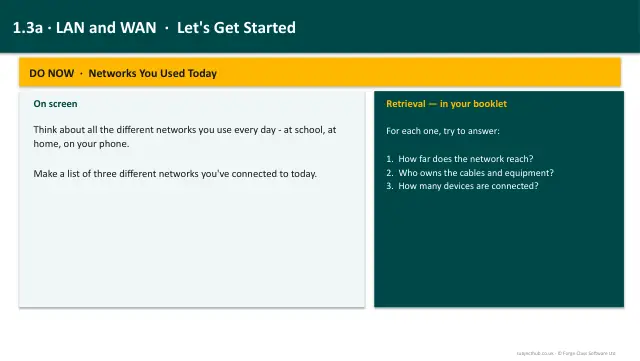
- Lesson pack · 1.3aTypes of Network: LAN & WANSubscription
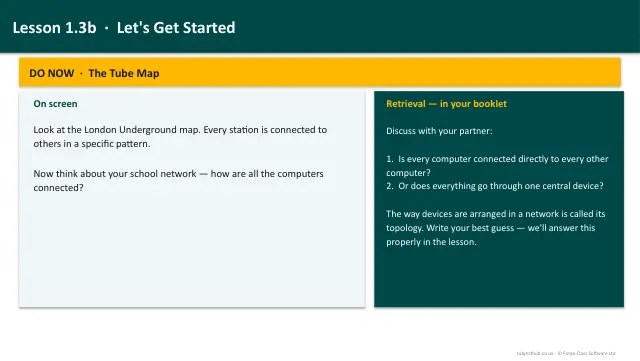
- Lesson pack · 1.3bNetwork Topologies: Star & MeshSubscription
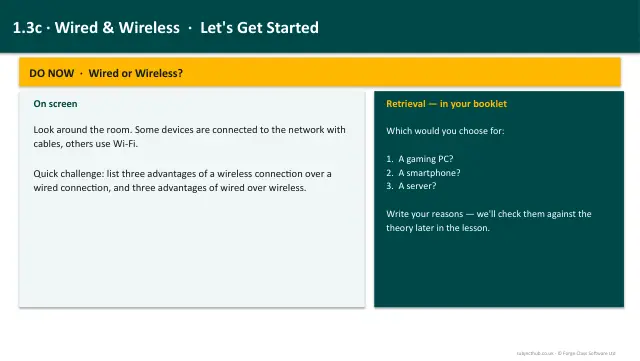
- Lesson pack · 1.3cWired & Wireless NetworksSubscription
- Lesson pack · 1.3eClient-Server & Peer-to-Peer NetworksSubscription
- Lesson pack · 1.3fThe Internet: IP Addressing, MAC Addressing & DNSSubscription
- Lesson pack · 1.3gProtocols, Layers & Packet SwitchingSubscription
- Knowledge organiser · 1.3Networks Connections and ProtocolsSubscription
- Scheme of work · 1.3Networks Connections and ProtocolsSubscription