File Handling & SQL
OCR J2772.2eGCSELesson packSubscription
Also online
This worksheet marks itself
Set it as homework or classwork and every answer is marked as pupils go, with feedback on what they got wrong. The scores go straight into your mark book, so you can see who needs help before the next lesson.
- 8 questions
- 24 marks
- about 18 minutes
- marked instantly
Question types: matching, multiple choice, true or false, multi-part, short answer.
Try one from this worksheet
A file called "log.txt" already contains 5 lines of data. A program opens the file using mode "w" and writes one new line. How many lines does the file now contain?
Pick an answer: it's marked straight away, just as your pupils would see it.
About this resource
Read from and write to text files, understand file modes, and use SQL to query databases with SELECT, FROM, WHERE, LIKE, AND, and OR.
15 slides.
Lesson outline
- Why Use Files?
- File Modes
- Reading from a File
- Writing to a File
- Code Demo: File Reading and Writing
- Task: File Handling Practice
- Coding Challenge: Contact Book
- Introduction to SQL
- SQL: SELECT and WHERE
- SQL: LIKE for Pattern Matching
- SQL Query Check
- Task: Write SQL Queries
Unit bundle2.2 Programming Fundamentals
More from 2.2 Programming Fundamentals
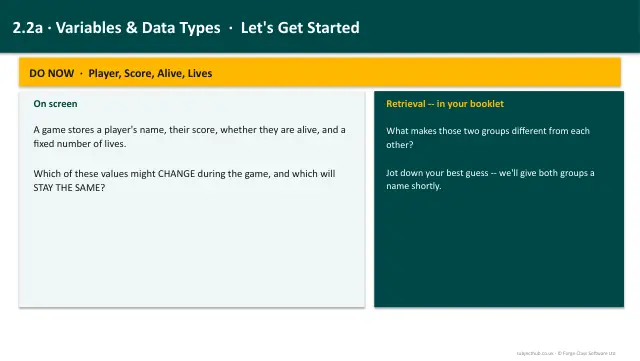
- Lesson pack · 2.2aVariables, Constants, Operators & Data TypesSubscription
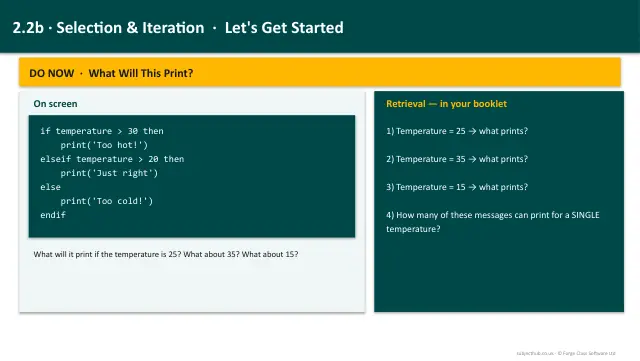
- Lesson pack · 2.2bSelection & IterationSubscription
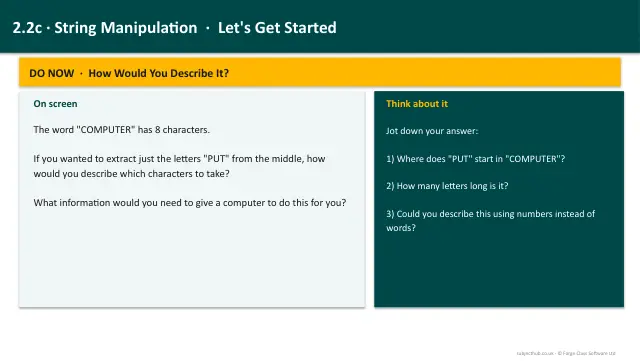
- Lesson pack · 2.2cString ManipulationSubscription
- Lesson pack · 2.2dArrays & RecordsSubscription
- Lesson pack · 2.2fSubprograms & Random NumbersSubscription
- Knowledge organiser · 2.2Programming FundamentalsSubscription
- Scheme of work · 2.2Programming FundamentalsSubscription