Bitmapped & Vector Graphics
AQA 75174.5.6A-levelLesson packSubscription
Also online
This worksheet marks itself
Set it as homework or classwork and every answer is marked as pupils go, with feedback on what they got wrong. The scores go straight into your mark book, so you can see who needs help before the next lesson.
- 13 questions
- 40 marks
- about 55 minutes
- marked instantly
Question types: short answer, multi-part, multiple choice, fill the gap, calculation.
About this resource
Explain how bit patterns can represent images and other data, understand analogue vs digital data and signals, describe ADC/DAC principles, calculate bitmap storage requirements, explain how vector graphics represent images as lists of objects, and compare the two approaches.
24 slides.
Lesson outline
- Retrieval Starter — Bit Patterns & Units
- Keyword Glossary
- Bit Patterns Can Represent Anything
- Check: What Makes a Bit Pattern 'Become' an Image?
- Analogue vs Digital: Data and Signals
- Continuous vs Discrete — Side by Side
- Check: Analogue or Digital?
- ADC and DAC — Converting Between the Two
- ADC/DAC — The Full Picture
- Check: ADC or DAC?
- Bitmapped Graphics: Resolution & Colour Depth
- Try It: Paint the Pixel Grid
Unit bundlePaper 2
More from 4.5 Fundamentals of data representation
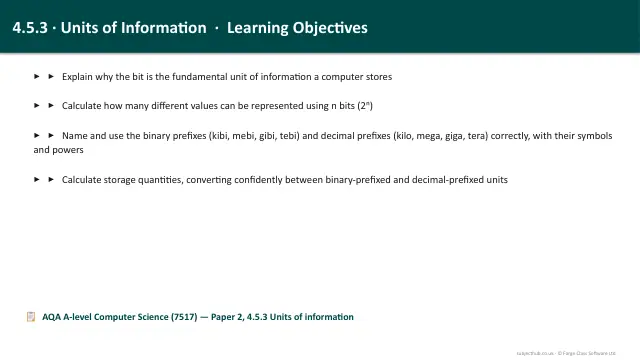
- Lesson pack · 4.5.3Bits, Bytes & Units of InformationSubscription
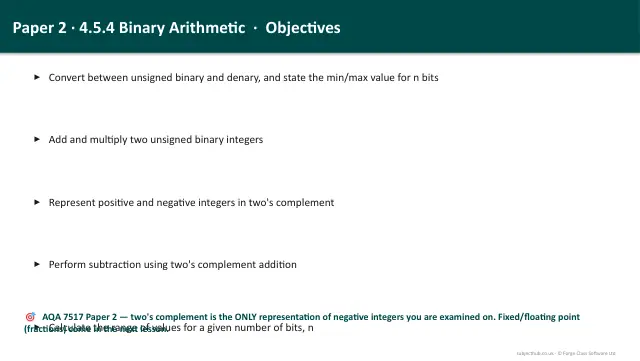
- Lesson pack · 4.5.4Binary Arithmetic & Two's ComplementSubscription
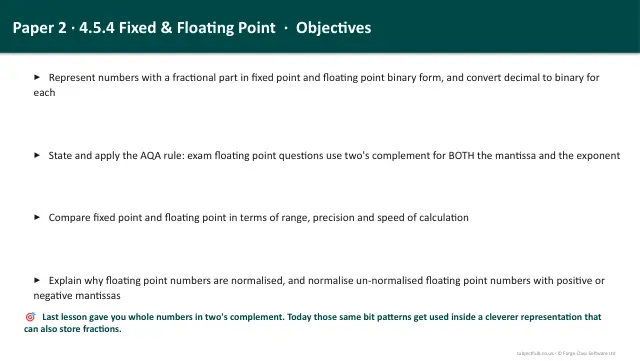
- Lesson pack · 4.5.4Fixed & Floating Point + NormalisationSubscription
- Lesson pack · 4.5.4Rounding, Absolute & Relative Errors, Under/OverflowSubscription
- Lesson pack · 4.5.5Character Encoding & Error CheckingSubscription
- Lesson pack · 4.5.6Encryption: Caesar & Vernam CiphersSubscription
- Lesson pack · 4.5.6Sound, MIDI & CompressionSubscription
- Lesson pack · 4.5aNumber Systems & Number BasesFree