Build a Computer
KS3Lesson packSubscription
Also online
This worksheet marks itself
Set it as homework or classwork and every answer is marked as pupils go, with feedback on what they got wrong. The scores go straight into your mark book, so you can see who needs help before the next lesson.
- 10 questions
- 32 marks
- about 35 minutes
- marked instantly
Question types: multiple choice, label the diagram, short answer, matching, true or false.
Try one from this worksheet
Which component processes images and video, and is especially important for smooth 3D gaming and video editing?
Pick an answer: it's marked straight away, just as your pupils would see it.
About this resource
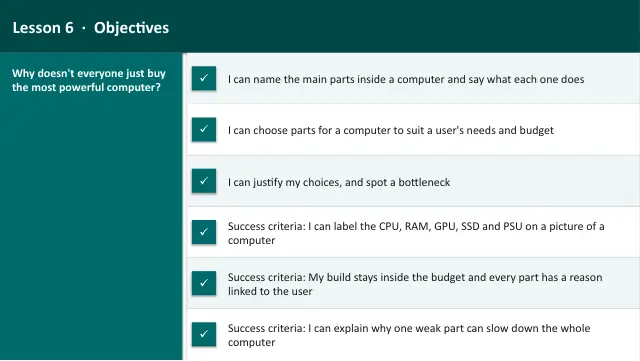
Inside the Machine capstone: recap every part inside a computer (including the PSU), then choose, cost and justify parts for real users within a budget, and spot bottlenecks.
16 slides.
Lesson outline
- Hook — Same Money, Different Computer?
- Do Now — Retrieval (Lessons 1 to 5)
- Label It — Inside the Computer
- Recap — What Each Part Does
- Quick Check — Which Part?
- Which Part Matters for Which Job?
- Byte Barn — Parts Price List
- I Do — Jaden the Gamer (Budget £1,000)
- Hinge Check — The Choppy Games
- We Do — Priya the Office Worker
- You Do — Spec a School Laptop
- Build It — Kai's Video Computer (Budget £800)
Unit bundleInside the Machine
More from Inside the Machine
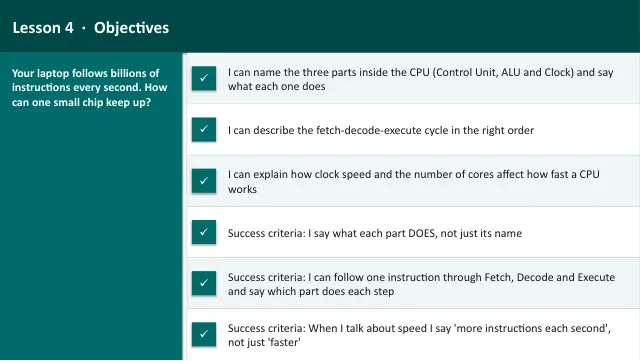
- Lesson packHow the CPU WorksSubscription
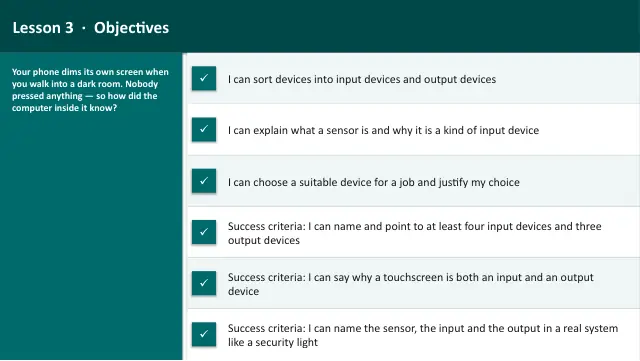
- Lesson packInput, Output and Sensor DevicesSubscription
- Lesson packInside the BoxSubscription
- Lesson packStorage and MemorySubscription
- Lesson packWhat Is a Computer?Subscription
- Knowledge organiserInside the MachineSubscription
- Scheme of workInside the MachineSubscription