Graphics Project — Planning & Creation
KS3Lesson packSubscription
Also online
This worksheet marks itself
Set it as homework or classwork and every answer is marked as pupils go, with feedback on what they got wrong. The scores go straight into your mark book, so you can see who needs help before the next lesson.
- 4 questions
- 15 marks
- about 22 minutes
- marked instantly
Question types: multiple choice, true or false, matching, multi-part.
Try one from this worksheet
What is the purpose of a mood board when planning a digital graphic?
Pick an answer: it's marked straight away, just as your pupils would see it.
About this resource
Apply everything learned so far to plan and begin creating an original digital graphic using the built-in image editor.
11 slides.
Lesson outline
- Retrieval — Lesson 4, Composition
- Keyword Check
- The Design Brief
- Step 1: Planning
- Planning Task
- Step 2: Creating Your Graphic
- Creation Task
- Peer Progress Check
- End of Lesson Checklist
Unit bundleDigital Graphics
More from Digital Graphics
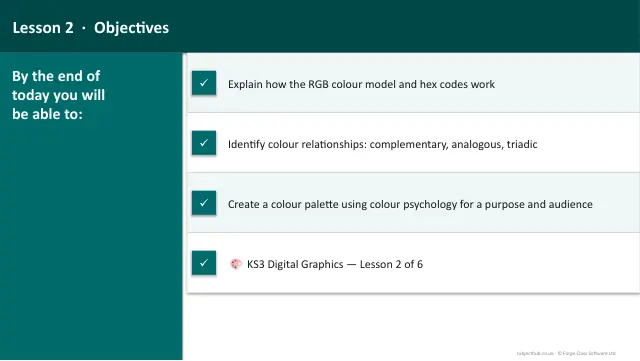
- Lesson packColour TheorySubscription
- Lesson packComposition & Design ElementsSubscription
- Lesson packGraphics Project — Refine & EvaluateSubscription
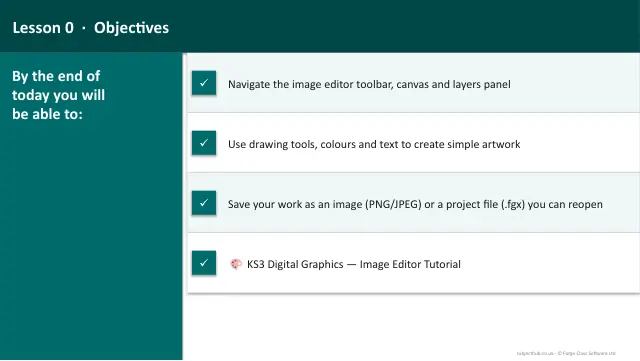
- Lesson packImage Editor TutorialSubscription
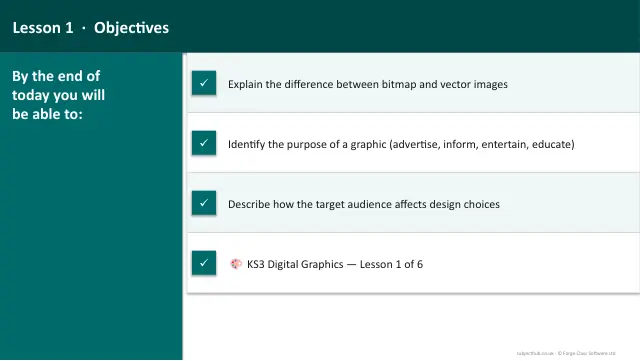
- Lesson packPurpose & Target AudienceSubscription
- Lesson packTypographySubscription
- Knowledge organiserDigital Graphics & Image EditingSubscription
- Scheme of workDigital Graphics & Image EditingSubscription