Image Editor Tutorial
KS3Lesson packSubscription
Also online
This worksheet marks itself
Set it as homework or classwork and every answer is marked as pupils go, with feedback on what they got wrong. The scores go straight into your mark book, so you can see who needs help before the next lesson.
- 6 questions
- 18 marks
- about 25 minutes
- marked instantly
Question types: multiple choice, true or false, matching, fill the gap, multi-part.
Try one from this worksheet
The image editor screen is split into three main areas. Which of these is where your artwork is actually drawn?
Pick an answer: it's marked straight away, just as your pupils would see it.
About this resource
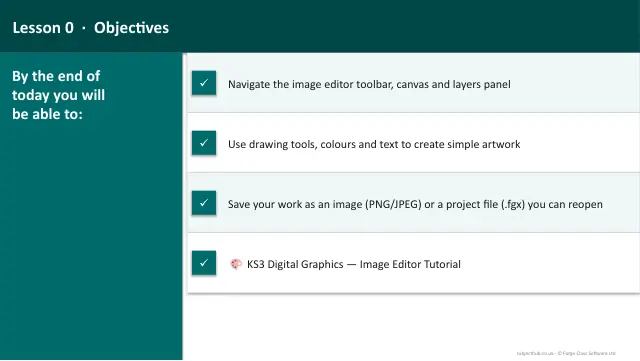
A hands-on introduction to the built-in image editor — learn the drawing tools, layers system, colours and export features by completing guided mini-tasks.
13 slides.
Lesson outline
- Meet the Editor
- Drawing Tools — Part 1
- Quick Check — Which Tool?
- Drawing Tools — Part 2
- Colours
- Mini-Task 1 — Drawing Basics
- Layers
- Mini-Task 2 — Working with Layers
- Saving & Exporting
- Mini-Task 3 — Putting It All Together
- Summary & Key Skills
Unit bundleDigital Graphics
More from Digital Graphics
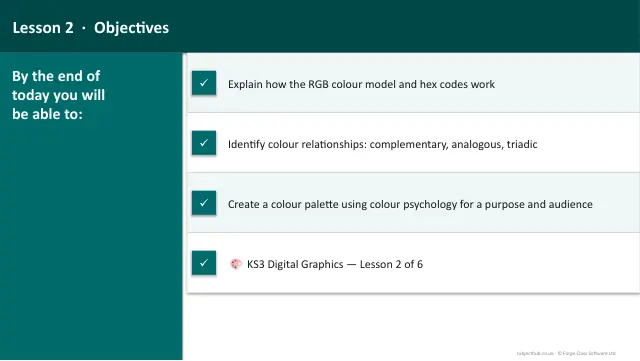
- Lesson packColour TheorySubscription
- Lesson packComposition & Design ElementsSubscription
- Lesson packGraphics Project — Planning & CreationSubscription
- Lesson packGraphics Project — Refine & EvaluateSubscription
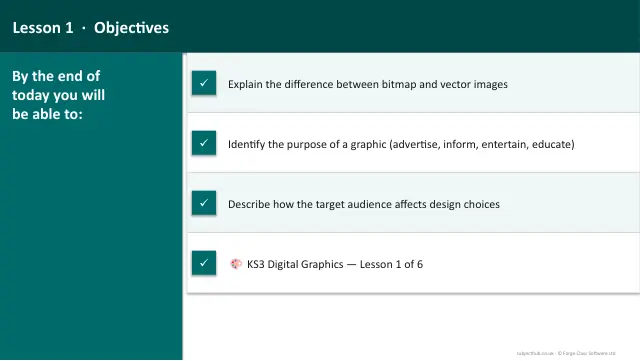
- Lesson packPurpose & Target AudienceSubscription
- Lesson packTypographySubscription
- Knowledge organiserDigital Graphics & Image EditingSubscription
- Scheme of workDigital Graphics & Image EditingSubscription