Introduction to Spreadsheets
KS3Lesson packSubscription
Also online
This worksheet marks itself
Set it as homework or classwork and every answer is marked as pupils go, with feedback on what they got wrong. The scores go straight into your mark book, so you can see who needs help before the next lesson.
- 12 questions
- 32 marks
- about 30 minutes
- marked instantly
Question types: short answer, multi-part, calculation, multiple choice, true or false.
Try one from this worksheet
Which of these is a correct cell reference?
Pick an answer: it's marked straight away, just as your pupils would see it.
About this resource
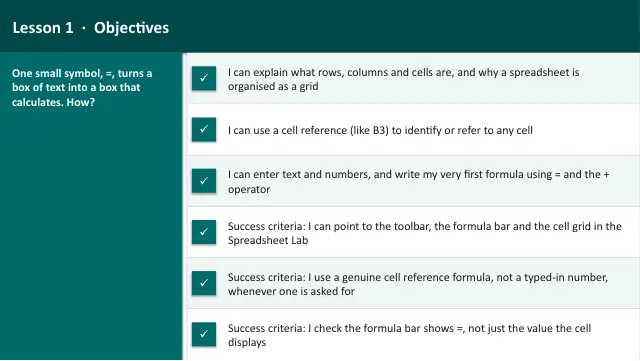
Data Detective (Web track), Lesson 1 — first meeting with the platform Spreadsheet Lab. What a cell, row and column are, how a cell reference works, text versus numbers, and writing your very first formula with = and the + operator, using a break-time snack stall as the real-world context. A labe…
17 slides.
Lesson outline
- Hook — Adding Up the Snack Stall
- Do Now — Retrieval
- Keywords for This Lesson
- Orientation — The Spreadsheet Lab, Labelled
- Hinge Check — Reading a Cell Reference
- Build 1 (5 minutes) — Your First Cell Reference
- Spreadsheet Lab — Copying Prices with References
- Checkpoint 1 — Yours Should Look Like This
- Hinge Check — Spot the Working Formula
- Build 2 (4 minutes) — Adding Two Cells
- Spreadsheet Lab — Totalling the Snack Stall
- Checkpoint 2 — Show Me
Unit bundleData Detective (Spreadsheet Lab)
More from Data Detective (Spreadsheet Lab)
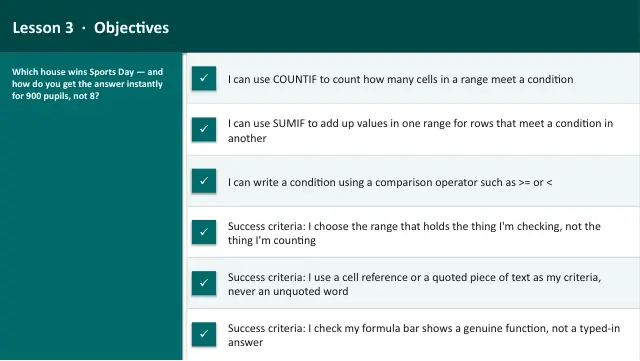
- Lesson packAsking Questions of Data (COUNTIF & SUMIF)Subscription
- Lesson packChoosing and Reading ChartsSubscription
- Lesson packData Investigation: Planning a Class PartySubscription
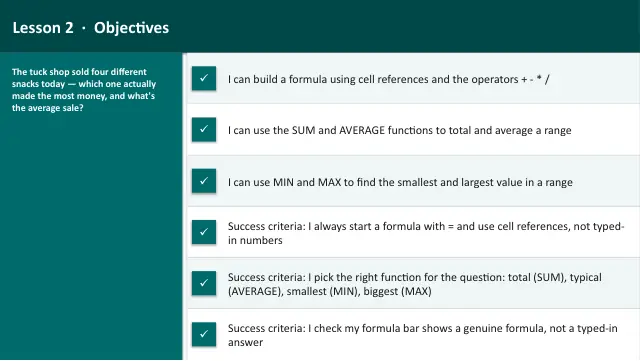
- Lesson packFormulas and Functions (SUM, AVERAGE, MIN, MAX)Subscription
- Lesson packLogic in a Spreadsheet (IF)Subscription
- Knowledge organiserData Detective (Spreadsheet Lab)Subscription
- Scheme of workData Detective (Spreadsheet Lab)Subscription