Representing Sound — Sampling
This worksheet marks itself
Set it as homework or classwork and every answer is marked as pupils go, with feedback on what they got wrong. The scores go straight into your mark book, so you can see who needs help before the next lesson.
- 8 questions
- 25 marks
- about 30 minutes
- marked instantly
Question types: multi-part, short answer, multiple choice, true or false, matching.
Try one from this worksheet
What does 'sampling' mean when a computer turns sound into binary?
Pick an answer: it's marked straight away, just as your pupils would see it.
About this resource
Computing — Binary & the Language of Computers, Lesson 6 (final). How sound is a continuous wave, how sampling converts that wave into binary numbers, how sample rate and bit depth affect quality and file size, and how the whole unit ties together — everything a computer stores is ultimately binary.
11 slides.
Lesson outline
- Do Now — Retrieval
- Sound is a Wave
- Quick Check — What is Real Sound Like?
- Sound Wave Sampler
- Sampling: Turning a Wave into Binary
- Hinge Check — Higher Sample Rate
- Sample Rate, File Size — and Everything is Binary
- Main Activity — Calculate Sound File Size
- Plenary — Unit Complete!
More from Binary
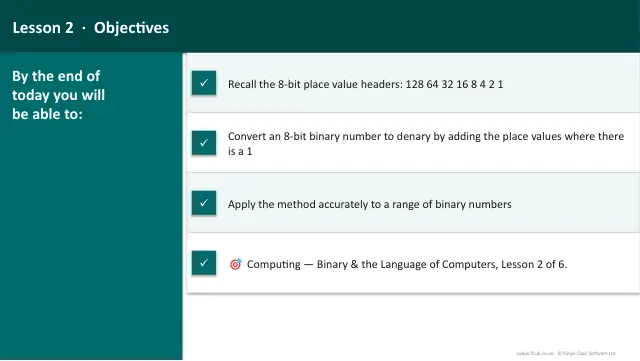
- Lesson packConverting Binary to DenaryFree
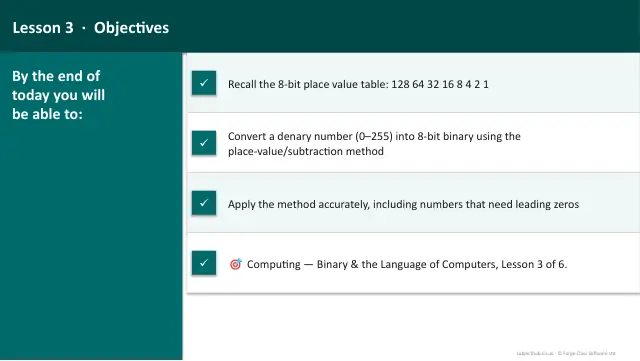
- Lesson packConverting Denary to BinaryFree
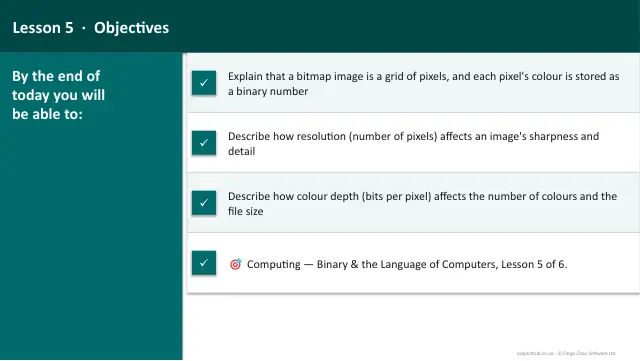
- Lesson packRepresenting Images — Pixels & Colour DepthFree
- Lesson packRepresenting Text — ASCIIFree
- Lesson packWhy Do Computers Use Binary?Free
- Knowledge organiserBinary & the Language of ComputersFree
- Scheme of workBinary & the Language of ComputersFree