Representing Text — ASCII
KS3Lesson packFree
Also online
This worksheet marks itself
Set it as homework or classwork and every answer is marked as pupils go, with feedback on what they got wrong. The scores go straight into your mark book, so you can see who needs help before the next lesson.
- 8 questions
- 22 marks
- about 30 minutes
- marked instantly
Question types: multi-part, short answer, multiple choice, true or false, matching.
Try one from this worksheet
What is the main job of ASCII?
Pick an answer: it's marked straight away, just as your pupils would see it.
About this resource
Computing — Binary & the Language of Computers, Lesson 4. How every character (letter, digit, symbol) is given its own binary code using ASCII, and why capital and lowercase letters have different codes.
11 slides.
Lesson outline
- Do Now — Retrieval
- Every Character Needs a Code
- Quick Check — Binary Everywhere
- Character Encoding Explorer
- Case Matters! 'A' vs 'a'
- Hinge Check — Same Letter, Same Code?
- Beyond English — Unicode
- Main Activity — Crack the ASCII Code
- Plenary — Back to Our Objectives
Unit bundleBinary
More from Binary
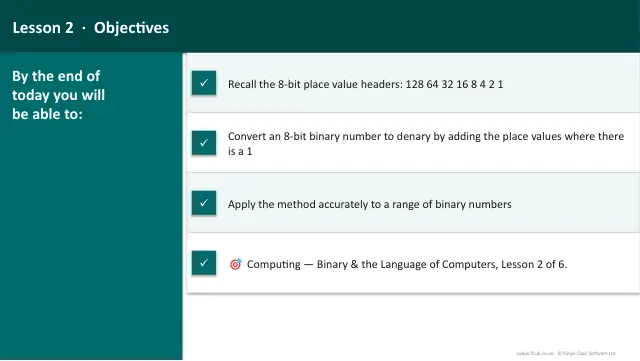
- Lesson packConverting Binary to DenaryFree
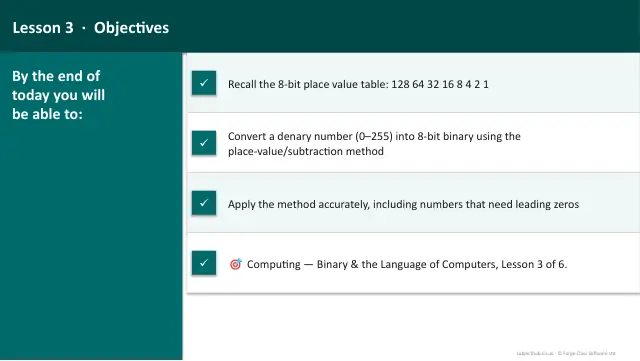
- Lesson packConverting Denary to BinaryFree
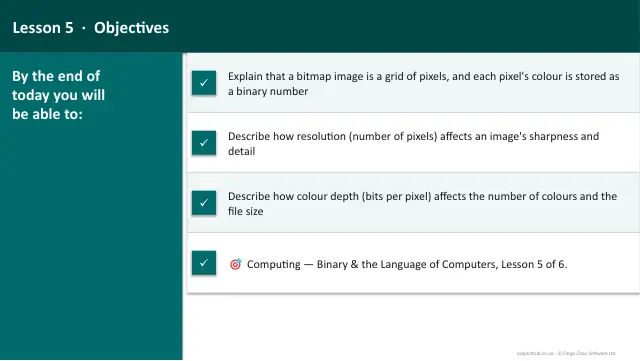
- Lesson packRepresenting Images — Pixels & Colour DepthFree
- Lesson packRepresenting Sound — SamplingFree
- Lesson packWhy Do Computers Use Binary?Free
- Knowledge organiserBinary & the Language of ComputersFree
- Scheme of workBinary & the Language of ComputersFree