File, User & Peripheral Management
OCR J2771.5cGCSELesson packSubscription
Also online
This worksheet marks itself
Set it as homework or classwork and every answer is marked as pupils go, with feedback on what they got wrong. The scores go straight into your mark book, so you can see who needs help before the next lesson.
- 7 questions
- 26 marks
- about 18 minutes
- marked instantly
Question types: short answer, matching, multiple choice, true or false, fill the gap.
Try one from this worksheet
Which of the following best describes the purpose of a device driver?
Pick an answer: it's marked straight away, just as your pupils would see it.
About this resource
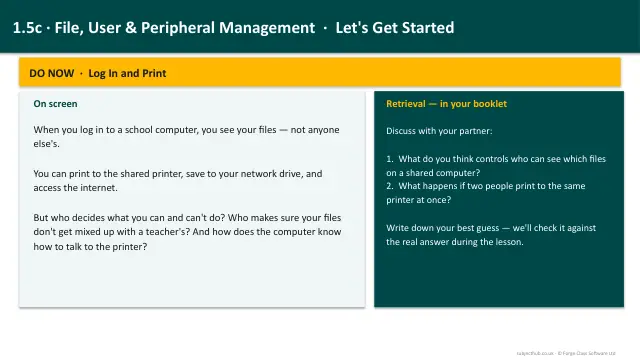
Understand how the operating system manages files and folders, controls user accounts and access rights, and communicates with peripheral devices using device drivers.
14 slides.
Lesson outline
- File Management
- File System Tree
- Quick Check
- User Management
- Access Rights Scenario
- Peripheral Management
- Device Drivers
- The Print Queue
- Task: OS Functions in Practice
- Task: Device Driver Explanation
- Task: Exam-Style Recap
- Key Takeaways
Unit bundle1.5 Systems Software