Utility Software
OCR J2771.5dGCSELesson packSubscription
Also online
This worksheet marks itself
Set it as homework or classwork and every answer is marked as pupils go, with feedback on what they got wrong. The scores go straight into your mark book, so you can see who needs help before the next lesson.
- 7 questions
- 28 marks
- about 20 minutes
- marked instantly
Question types: short answer, multiple choice, matching, true or false, fill the gap.
Try one from this worksheet
Which of the following best describes utility software?
Pick an answer: it's marked straight away, just as your pupils would see it.
About this resource
Understand the purpose and functionality of utility software, including encryption, defragmentation, data compression, backup and antivirus utilities.
14 slides.
Lesson outline
- What Is Utility Software?
- Quick Check
- Encryption Software
- Defragmentation
- Defragmentation Check
- Data Compression
- Compression Type
- Backup Utilities
- Antivirus Software
- Task: Utility Software Matching
- Task: Lossy vs Lossless
- Task: Exam-Style - Recommend Utilities
Unit bundle1.5 Systems Software
More from 1.5 Systems Software
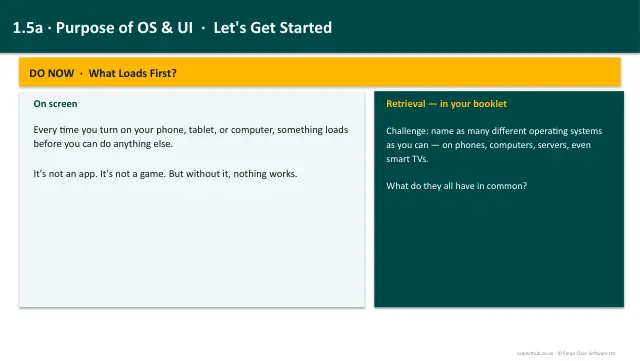
- Lesson pack · 1.5aPurpose of Operating Systems & User InterfacesSubscription
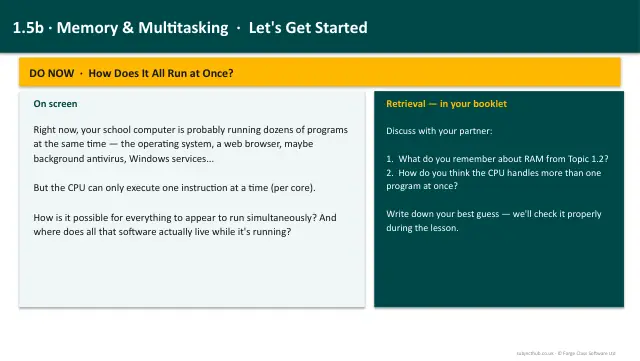
- Lesson pack · 1.5bMemory Management & MultitaskingSubscription
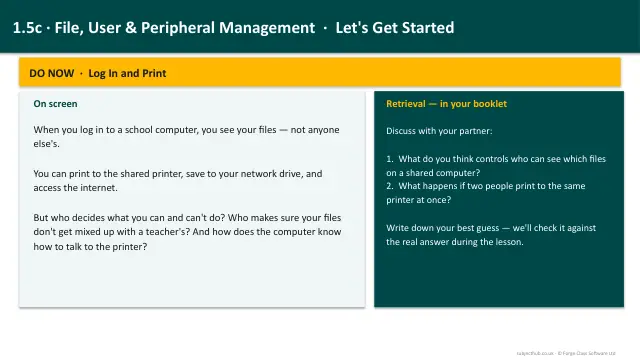
- Lesson pack · 1.5cFile, User & Peripheral ManagementSubscription
- Knowledge organiser · 1.5Systems SoftwareSubscription
- Scheme of work · 1.5Systems SoftwareSubscription