Trace Tables & Identifying Errors
OCR J2772.1cGCSELesson packSubscription
Also online
This worksheet marks itself
Set it as homework or classwork and every answer is marked as pupils go, with feedback on what they got wrong. The scores go straight into your mark book, so you can see who needs help before the next lesson.
- 7 questions
- 25 marks
- about 20 minutes
- marked instantly
Question types: short answer, multiple choice, true or false.
Try one from this worksheet
A program runs without errors but produces the wrong output. What type of error is this?
Pick an answer: it's marked straight away, just as your pupils would see it.
About this resource
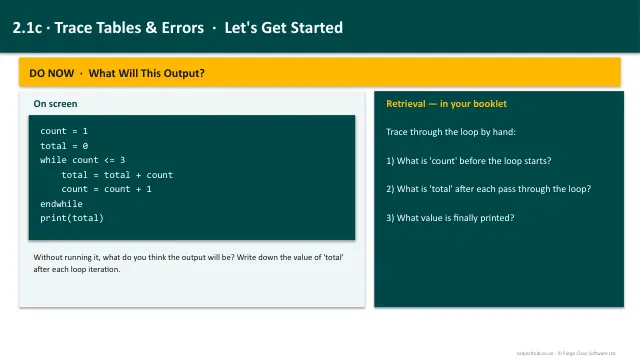
Learn to use trace tables to follow the execution of algorithms step-by-step, and identify, classify and fix syntax and logic errors.
13 slides.
Lesson outline
- What Is a Trace Table?
- Trace Table Example - Counting Loop
- Trace Table Example - Factorial
- Trace Table Check
- Task 1 - Complete a Trace Table
- Types of Errors
- Spotting Errors - Worked Examples
- Error Type Check
- Task 2 - Find the Errors
- Using Trace Tables to Find Logic Errors
- Task 3 - Trace and Debug
- Lesson Summary
Unit bundle2.1 Algorithms
More from 2.1 Algorithms
- Lesson pack · 2.1aComputational ThinkingFree
- Lesson pack · 2.1bDesigning Algorithms: Flowcharts & PseudocodeSubscription
- Lesson pack · 2.1dSearching AlgorithmsSubscription
- Lesson pack · 2.1eSorting AlgorithmsSubscription
- Knowledge organiser · 2.1AlgorithmsSubscription
- Scheme of work · 2.1AlgorithmsSubscription