Integrated Development Environments (IDEs)
OCR J2772.5bGCSELesson packSubscription
Also online
This worksheet marks itself
Set it as homework or classwork and every answer is marked as pupils go, with feedback on what they got wrong. The scores go straight into your mark book, so you can see who needs help before the next lesson.
- 7 questions
- 25 marks
- about 17 minutes
- marked instantly
Question types: short answer, multiple choice, matching, true or false, multi-part.
Try one from this worksheet
What does IDE stand for?
Pick an answer: it's marked straight away, just as your pupils would see it.
About this resource
Understand the purpose of an IDE and describe common IDE features including editors, debuggers, error diagnostics, and runtime environments.
11 slides.
Lesson outline
- What Is an IDE?
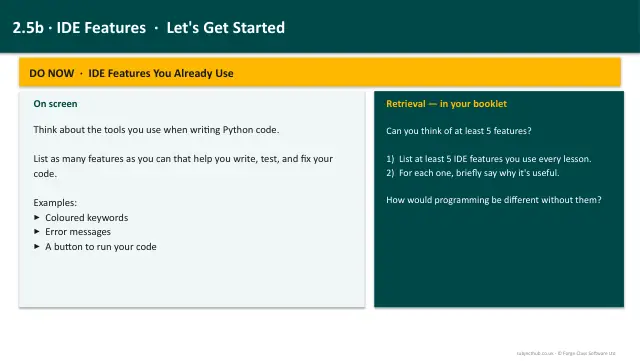
- Code Editor Features
- Error Diagnostics
- Debugging Tools
- Quick Check
- Runtime Environment & Translator
- Code Demo - IDE Features in Action
- Coding Challenge - Build a Simple Debugger
- Exam Practice - IDE Features
Unit bundle2.5 Programming languages and IDEs