Data Investigation Capstone: The Party Budget (Excel)
This worksheet marks itself
Set it as homework or classwork and every answer is marked as pupils go, with feedback on what they got wrong. The scores go straight into your mark book, so you can see who needs help before the next lesson.
- 12 questions
- 35 marks
- about 35 minutes
- marked instantly
Question types: multiple choice, short answer, multi-part, matching, fill the gap.
Try one from this worksheet
In a table, cost each is in column B and quantity is in column C. Which formula works out the total cost for the item in row 2?
Pick an answer: it's marked straight away, just as your pupils would see it.
About this resource
Data Detective (Excel track), Lesson 6 of 6 — the unit's capstone build. Pupils plan a spreadsheet model BEFORE opening it, then build cost, SUM and IF budget-check formulas in the real downloaded Excel workbook, checking their finished model against five success criteria and a partner's evidence…
14 slides.
Lesson outline
- Hook — £60.60
- Do Now — Retrieval
- Keywords for the Build
- Success Criteria — What 'Finished' Means
- How to Plan the Model in Four Steps
- Hinge Check — Reading an IF Formula
- Task (guided) — Plan Your Build
- BUILD SPRINT (15 minutes) — Build It For Real
- Checkpoint 1 — Halfway Through the Sprint
- Checkpoint 2 — Show Me Your Number
- Task (independent) — Peer Check Against the Criteria
- Plenary — 3, 2, 1
More from Data Detective (Excel)
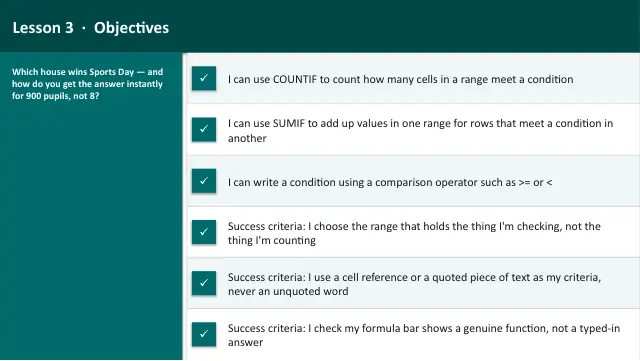
- Lesson packAsking Questions of Data: COUNTIF & SUMIF (Excel)Subscription
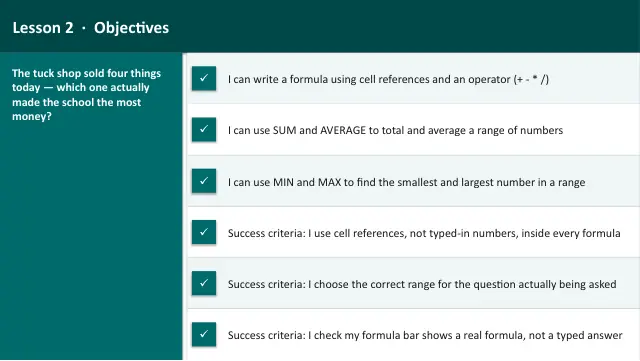
- Lesson packFormulas and Functions: SUM, AVERAGE, MIN & MAX (Excel)Subscription
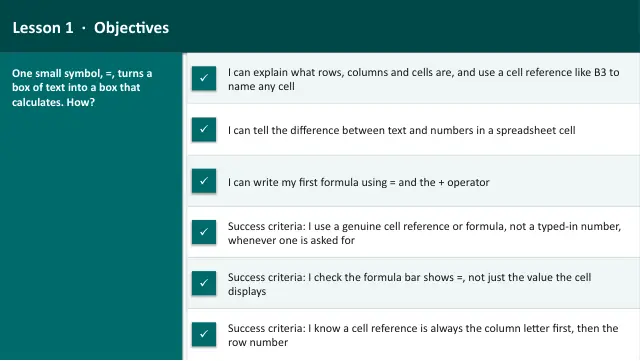
- Lesson packIntroduction to Spreadsheets (Excel)Subscription
- Lesson packLogic in a Spreadsheet: IF, Then Nested IF (Excel)Subscription
- Lesson packPresenting Data with Charts (Excel)Subscription
- Knowledge organiserData Detective (Excel)Subscription
- Scheme of workData Detective (Excel)Subscription