Printable feedback sheets for pupils, from their homework
Steve Benton, computing teacher and founder of SubjectHub
Feedback that arrives a fortnight after the homework does not get read. Writing next steps in thirty books on a Sunday evening is how it ends up a fortnight late. I wanted printable feedback sheets for pupils that I did not have to write by hand.
What a pupil gets
One sheet they can hold in the lesson after a homework and read in two minutes. The site makes it from their marked answers: what they got right, the steps for what they missed, and one or two questions on the same idea to try again.
The new questions are never copies of the homework ones. A pupil cannot just write the old answer out again.
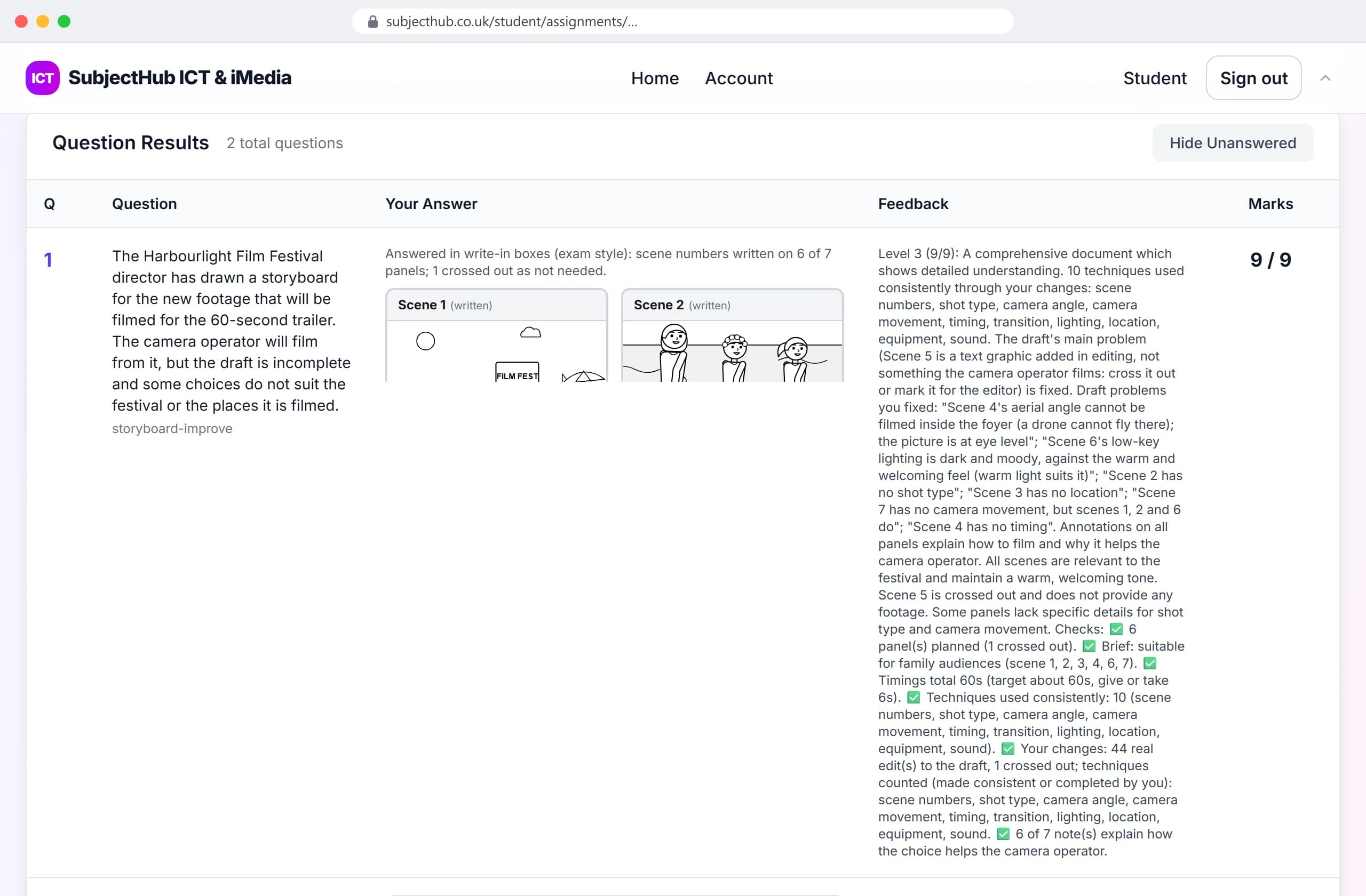
Checking the printable feedback sheets for my own pupils
Before I trusted it, I printed the sheets for one of my own GCSE classes and read every one. That found mistakes. They are fixed in the marking itself, not patched on the sheets.
One example: a pupil wrote age > 15 where the mark scheme said age >= 16. For whole-number ages both are right, and the marking now treats them the same. A loop that never ended had also once been given full marks. Now a program only counts as proof if it runs to the end with no errors.
The how it works page shows the marking and results on real screens. Feedback sheets come with every package, and school pricing lists what else does.