Pre-Production 3: Flow Charts, Work Plans & Asset Logs
Creative iMediaR093 L13GCSELesson packSubscription
About this resource
OCR Creative iMedia R093 (Topic Area 3) — how flow charts map decisions and navigation, how work plans organise a project's phases, tasks, milestones and contingency, and why an asset log is kept to track every asset used.
17 slides.
Lesson outline
- Do Now — Getting Started
- Quick Check — Spot the Tier 3 Word
- Flow Charts: Shapes and Meanings
- Hinge Check — Which Shape?
- Flow Chart in Action — Planning a Quiz App
- Match the Flow Chart Shapes
- Work Plans: Phases, Components & Milestones
- Hinge Check — Milestone or Contingency?
- True or False — Work Plans
- Asset Logs: Tracking Every Asset
- Modelled Example — Choosing the Right Documents
- Main Activity — Planning the Open Evening App
Unit bundleR093 Creative iMedia in the media industry · lessons
More from R093 Creative iMedia in the media industry · lessons
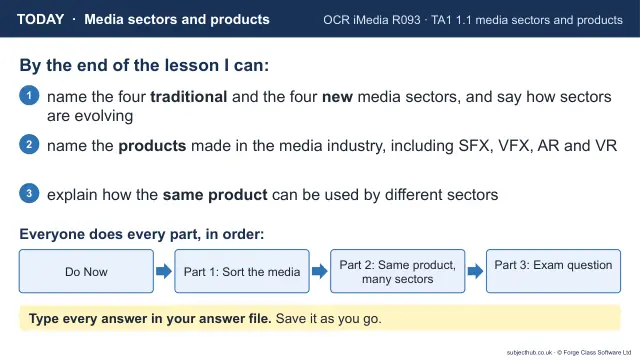
- Lesson pack · R093 L01Media Sectors & ProductsSubscription
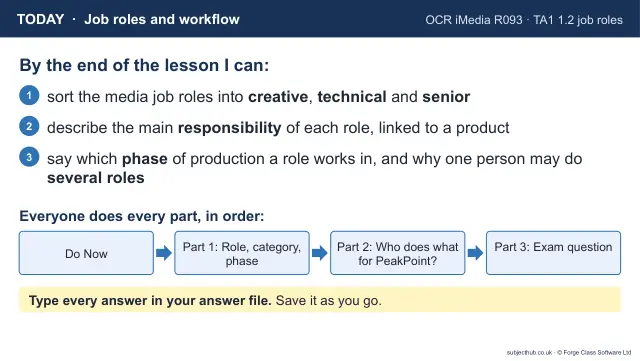
- Lesson pack · R093 L02Job Roles & Work FlowSubscription
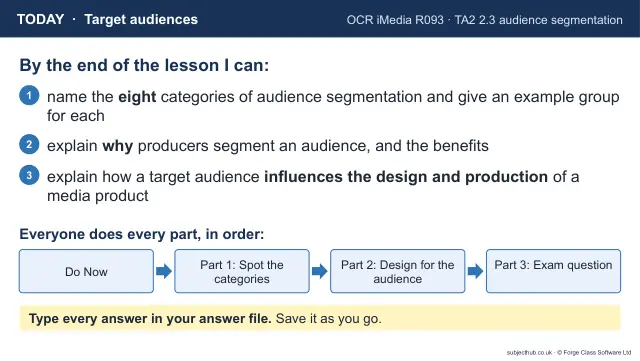
- Lesson pack · R093 L03Target AudiencesSubscription
- Lesson pack · R093 L04Purpose & Client BriefsSubscription
- Lesson pack · R093 L05Research MethodsSubscription
- Lesson pack · R093 L06Media CodesSubscription
- Lesson pack · R093 L07Style, Content & LayoutSubscription
- Lesson pack · R093 L08Legal: Intellectual Property & CopyrightSubscription