Layers of Defence
This worksheet marks itself
Set it as homework or classwork and every answer is marked as pupils go, with feedback on what they got wrong. The scores go straight into your mark book, so you can see who needs help before the next lesson.
- 10 questions
- 35 marks
- about 45 minutes
- marked instantly
Question types: multiple choice, true or false, fill the gap, matching, ordering.
Try one from this worksheet
A company's staff password is stolen in a data breach. Which single defence would still stop the criminal from logging in with it?
Pick an answer: it's marked straight away, just as your pupils would see it.
About this resource
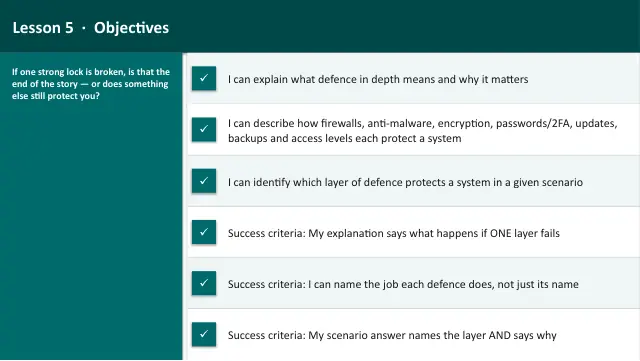
Cyber Security — Lesson 5 of 6. Defence in depth: how firewalls, anti-malware, encryption, strong passwords + 2FA, software updates/patching, backups and user access levels work together as layers protecting a system. Uses the interactive security-layers model.
16 slides.
Lesson outline
- Hook — One Lock, Many Attacks
- Do Now — Retrieval
- Keywords for This Lesson
- Defence in Depth — What It Is and What It Is Not
- Hinge Check — Is One Strong Layer Enough?
- The Security Layers Model
- Task 1 (guided) — Sort the Defences by What They Do
- The Defences — Outer Layers
- Task 2 (semi-guided) — Match Each Defence to Its Job
- The Defences — Protecting Access & Data
- Check — Encryption or Something Else?
- The Defences — Keeping It Recoverable
More from Cyber Security
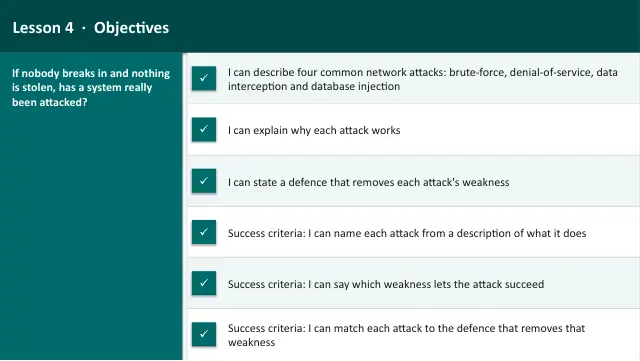
- Lesson packAttacks on NetworksSubscription
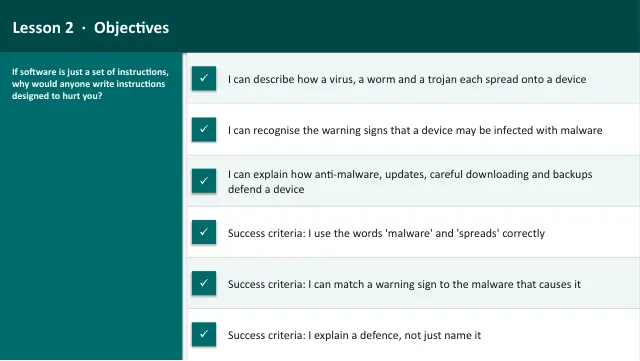
- Lesson packMalwareSubscription
- Lesson packProject: Secure the SystemSubscription
- Lesson packSocial Engineering & ScamsSubscription
- Lesson packWhat Is Cyber Security?Subscription
- Knowledge organiserCyber SecuritySubscription
- Scheme of workCyber SecuritySubscription