Malware
KS3Lesson packSubscription
Also online
This worksheet marks itself
Set it as homework or classwork and every answer is marked as pupils go, with feedback on what they got wrong. The scores go straight into your mark book, so you can see who needs help before the next lesson.
- 13 questions
- 35 marks
- about 50 minutes
- marked instantly
Question types: multiple choice, true or false, matching, fill the gap, short answer.
Try one from this worksheet
The word 'malware' is short for two other words joined together. What does 'malware' mean?
Pick an answer: it's marked straight away, just as your pupils would see it.
About this resource
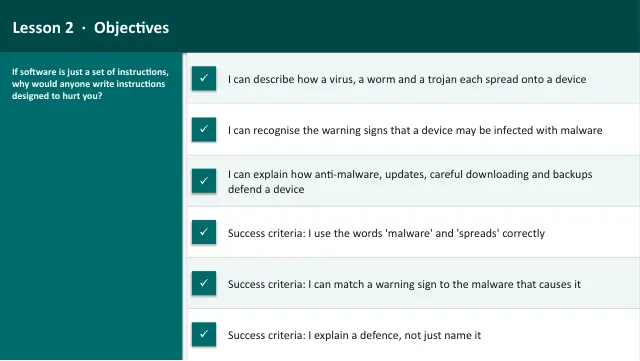
Learn what malware is and how the main types behave — viruses, worms, trojans, ransomware and spyware — including the warning signs of infection and how to protect a device with anti-malware, updates and careful downloading.
16 slides.
Lesson outline
- Hook — The Quiet Infection
- Do Now — Recall Lesson 1
- Keywords for This Lesson
- Malware — What It Is and What It Is Not
- Viruses & Worms
- Quick Check — Virus or Worm?
- Trojans, Ransomware & Spyware
- Task 1 (guided) — Sort the Behaviours
- Signs of Infection
- Hinge Check — Does Malware Always Show Symptoms?
- How the Layers Fight Malware
- How to Protect a Device
Unit bundleCyber Security
More from Cyber Security
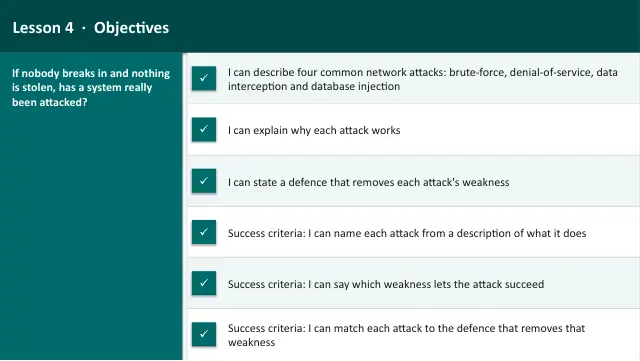
- Lesson packAttacks on NetworksSubscription
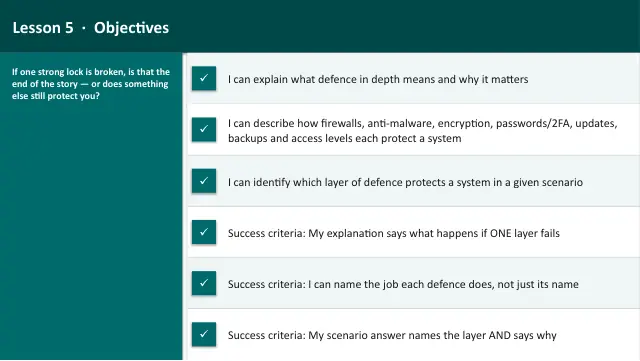
- Lesson packLayers of DefenceSubscription
- Lesson packProject: Secure the SystemSubscription
- Lesson packSocial Engineering & ScamsSubscription
- Lesson packWhat Is Cyber Security?Subscription
- Knowledge organiserCyber SecuritySubscription
- Scheme of workCyber SecuritySubscription