Project: Build a Python Program
This worksheet marks itself
Set it as homework or classwork and every answer is marked as pupils go, with feedback on what they got wrong. The scores go straight into your mark book, so you can see who needs help before the next lesson.
- 6 questions
- 15 marks
- about 28 minutes
- marked instantly
Question types: multiple choice, short answer, matching, true or false.
Try one from this worksheet
This is part of a quiz game. Trace it carefully — track the value of score on each pass through the loop. score = 0 answers = [True, False, True] for correct in answers: if correct: score = score + 1 print(score) What does this program print?
Pick an answer: it's marked straight away, just as your pupils would see it.
About this resource
KS3 Computing — Python, Lesson 6 of 6 (capstone). Students PLAN with a design and test plan, BUILD a program (number-guessing game, quiz game or chatbot) in the built-in interpreter combining input, variables, numbers, selection and loops, then TEST against their plan and EVALUATE. Text in/out an…
14 slides.
Lesson outline
- Do Now — Retrieval (whole unit)
- The Brief & Success Criteria
- Quick Check — Which Building Block?
- Step 1 — PLAN (design + test plan)
- Your Turn — Write Your Plan
- Step 2 — BUILD (worked starting point)
- Building Tips — one step at a time
- Hinge Check — Debug the Quiz
- Step 3 — TEST (run against your plan)
- Record Your Test Results
- Step 4 — EVALUATE
- Plenary — Unit Complete!
More from Python
- Lesson packMaking Decisions: SelectionSubscription
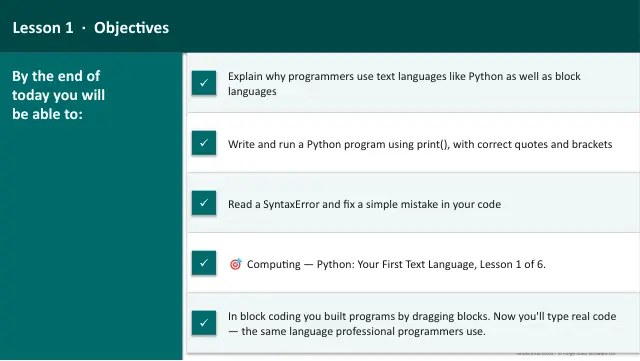
- Lesson packMeet Python: From Blocks to TextSubscription
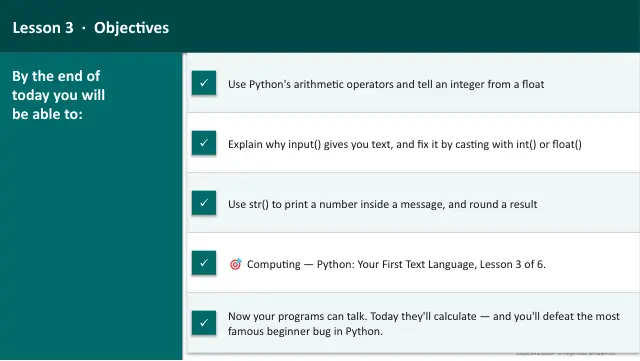
- Lesson packNumbers and CalculationsSubscription
- Lesson packRepeating Things: LoopsSubscription
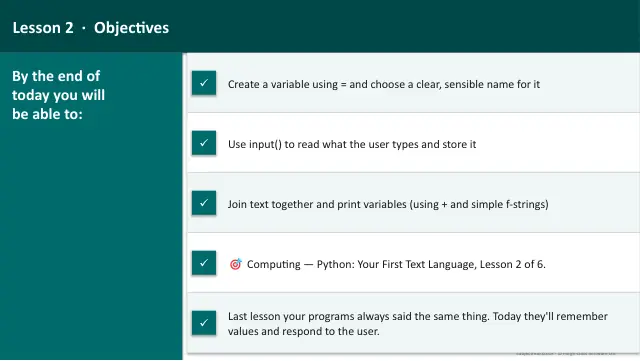
- Lesson packVariables and InputSubscription
- Knowledge organiserPython Your First Text LanguageSubscription
- Scheme of workPython Your First Text LanguageSubscription