Make your own self-marking homework questions
Steve Benton, computing teacher and founder of SubjectHub
You find a ready-made question that is nearly right. One word does not match your exam board, or the numbers are too easy for your set. You want to change it and still have it mark itself. Most of the time, that is what it means to make your own self-marking homework questions: you start from something close, not from scratch.
Why I rebuilt the builder
When I audited the question builder in October, 36 of the 78 question types we had then could not be made by a teacher at all. You could set them from the bank, but not write your own. That felt wrong. The builder now covers every question type, over 80 of them.
Picture coming soon
The question builder: the question bank on the left, a question being edited, and the Try it as a pupil button
How to make your own self-marking homework questions
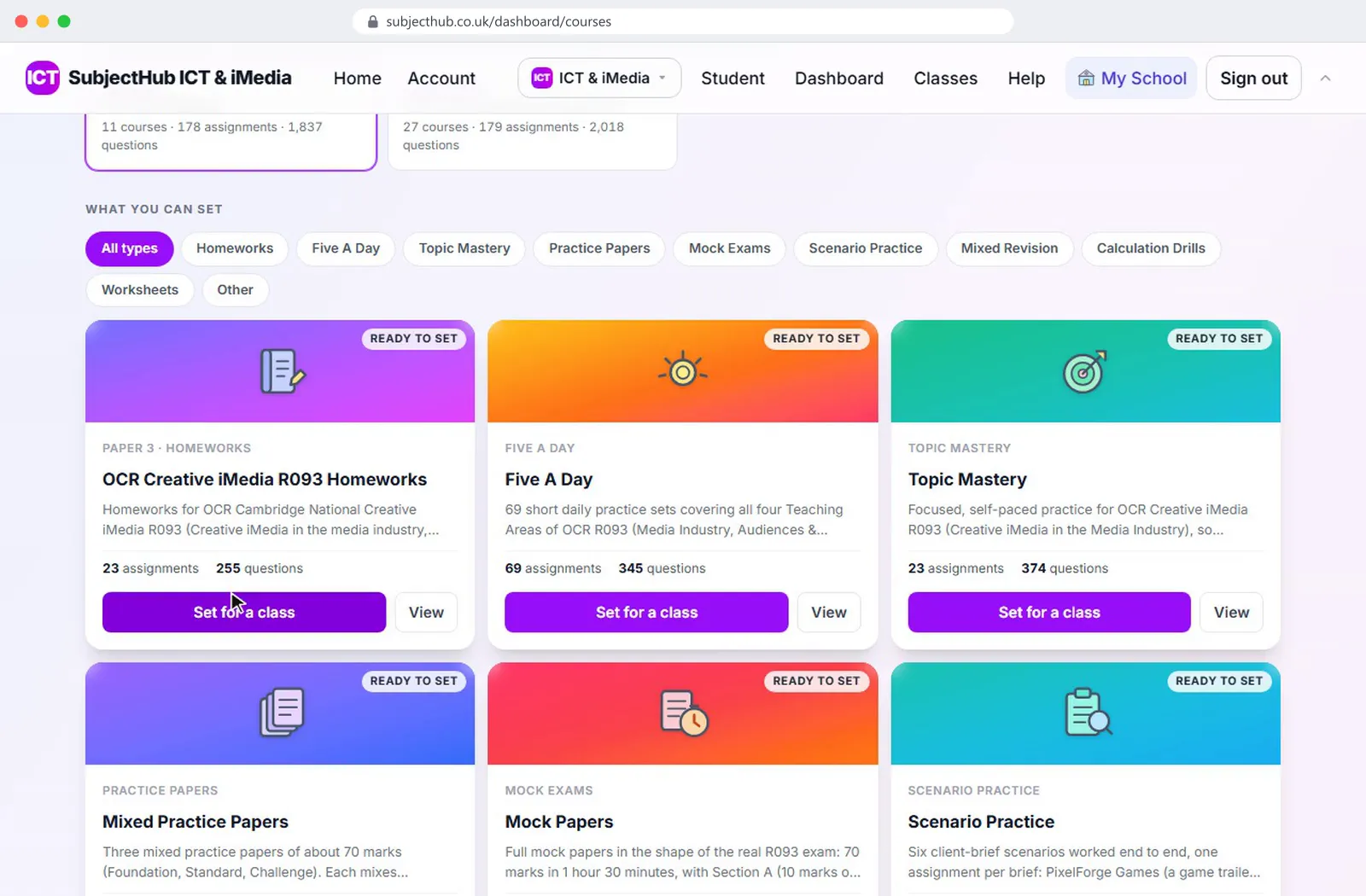
It opens on the question bank, because changing a good question is quicker than starting from nothing. Add one in a click, then edit the wording, the marks or the answer.
Before you save, press Try it as a pupil. You answer the question as a pupil would and see the mark it gives. You find the problem before your class does.
If you change a course you have already set, the builder offers to update the classes that have it. You are not copying fixes across by hand.
The how it works page shows the marking on real screens, and the Resource Library lists the ready-made courses to start from.