Build a Catch Game: Random and Broadcast
KS3 ComputingKS3Lesson packSubscription
Also online
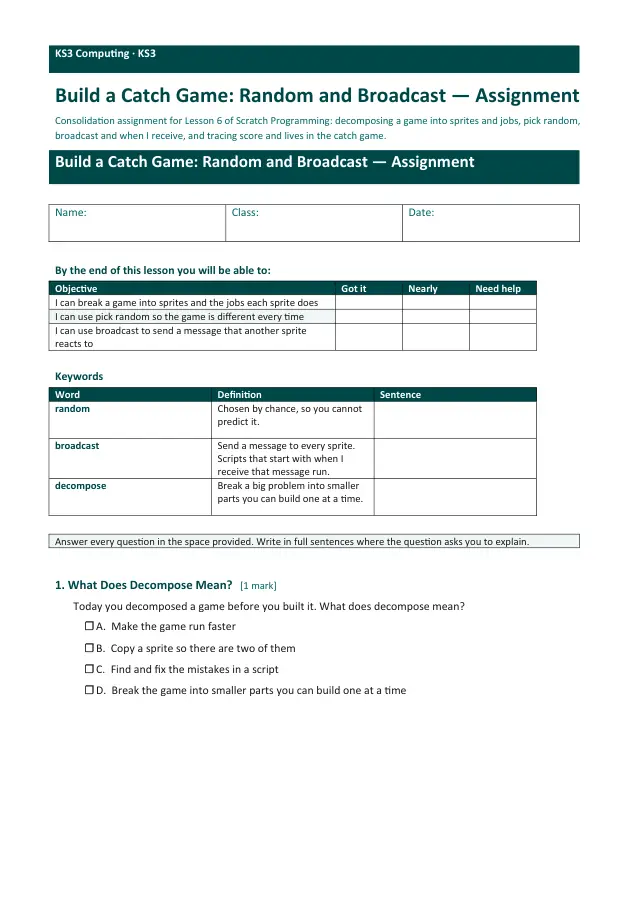
This worksheet marks itself
Set it as homework or classwork and every answer is marked as pupils go, with feedback on what they got wrong. The scores go straight into your mark book, so you can see who needs help before the next lesson.
- 12 questions
- 35 marks
- about 37 minutes
- marked instantly
Question types: multiple choice, short answer, label the diagram, sorting, true or false.
One question from this worksheet
- 1. The question
- 2. A pupil answers
- 3. Marked instantly
About this resource
Scratch Programming, lesson 6 of 8 (build-project). Pupils decompose a catch game into sprites and jobs, then build it in Scratch 3 from a starter file: the Apple starts at a random x with pick random, a Basket moves with the arrow keys, the score counts catches, and a broadcast message shows GAM…
19 slides.
Lesson outline
- Hook — Same Place Every Time?
- Do Now (4 questions)
- Keywords for the Build
- Success Criteria — What "Finished" Means
- Decompose the Game
- Part 1 — Which Sprite Does Which Job?
- pick random — A New Number Every Time
- broadcast — Sending a Message
- Hinge Check — The Message Nobody Hears
- Part 2: Watch the Build, One Job at a Time
- Part 2 — BUILD SPRINT: Basket and Apple
- Part 3: Watch the Build, Lives and Game Over
Unit bundleScratch Programming
More from Scratch Programming
- Lesson packDebug It: Find, Fix and ImproveSubscription
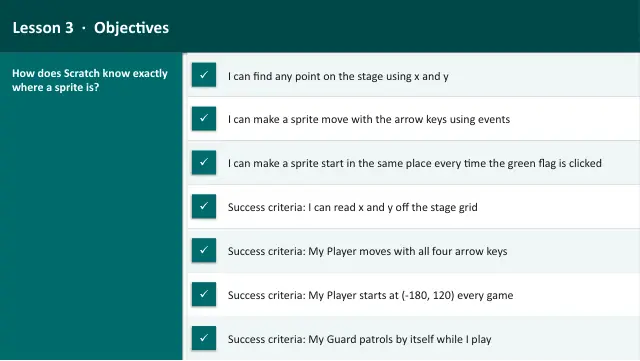
- Lesson packMeet Scratch: Sprites, Events and SequenceSubscription
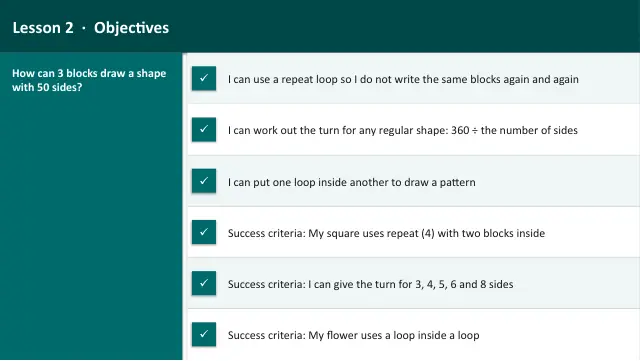
- Lesson packRepeat Loops: Draw Shapes with the PenSubscription
- Lesson packScratch Challenge and ShowcaseSubscription
- Lesson packSelection: Walls and a GoalSubscription
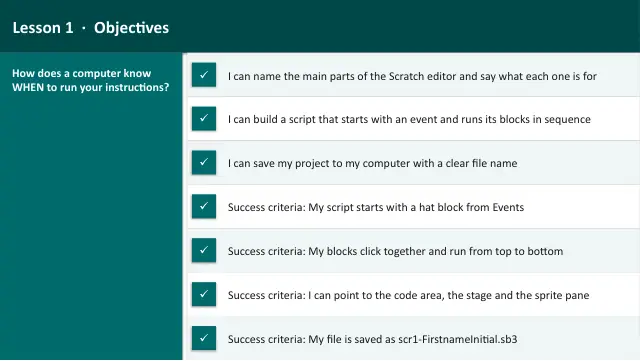
- Lesson packSteer a Sprite: Keys and CoordinatesSubscription
- Lesson packVariables: Score and TimerSubscription
- Knowledge organiserScratch ProgrammingSubscription