Debug It: Find, Fix and Improve
KS3 ComputingKS3Lesson packSubscription
Also online
This worksheet marks itself
Set it as homework or classwork and every answer is marked as pupils go, with feedback on what they got wrong. The scores go straight into your mark book, so you can see who needs help before the next lesson.
- 14 questions
- 35 marks
- about 32 minutes
- marked instantly
Question types: multiple choice, fill the gap, short answer, ordering, matching.
One question from this worksheet
- 1. The question
- 2. A pupil answers
- 3. Marked instantly
About this resource
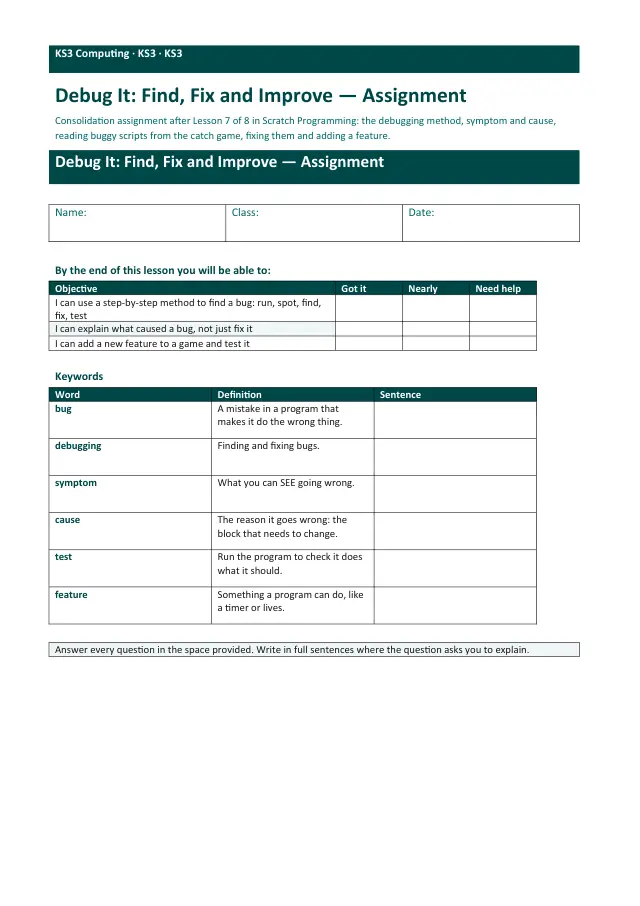
Scratch Programming, lesson 7 of 8. Debugging is taught as a method: run, spot, find, fix one thing, test. Pupils fix eight planted bugs in the lesson 6 catch game (two modelled, one together, five alone), keep a bug log of symptom and cause, then add one feature of their choice and test it.
17 slides.
Lesson outline
- Hook — No Error Messages. Ever.
- Do Now — Retrieval
- Bugs We Have Already Met
- I Do — Bug 1: Nothing Falls
- Quick Check — Why Only One Change?
- I Do — Bug 2: The Score Starts at 7
- Hinge Check — What Do You Do First?
- Part 1 (together) — Bug 3: GAME OVER Never Appears
- Part 2a — The Bug Log
- Part 2b — Fix the Other Five
- Part 3 (together) — Feature 1: Faster Apples
- Part 3 — Add a Second Feature
Unit bundleScratch Programming
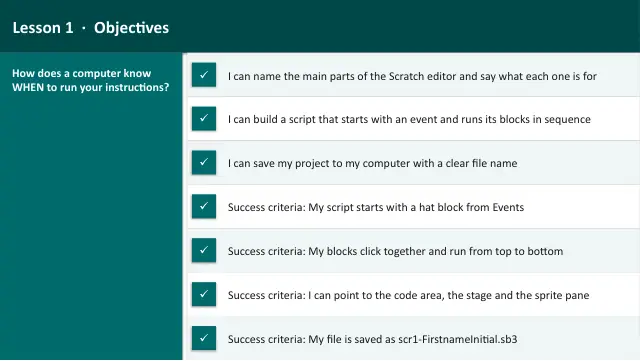
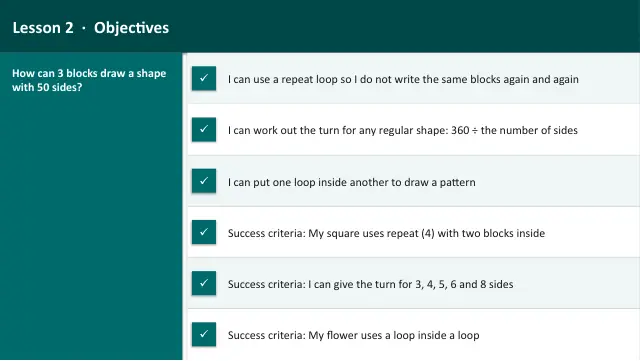
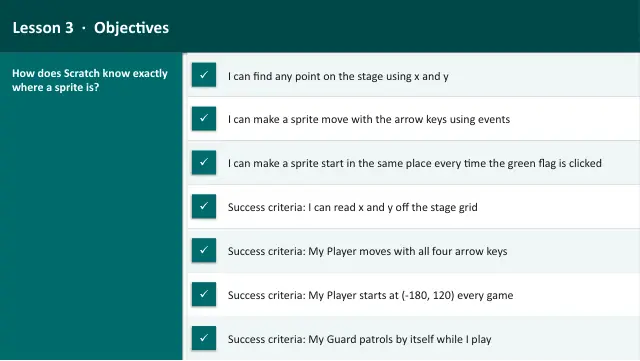
More from Scratch Programming
- Lesson packBuild a Catch Game: Random and BroadcastSubscription
- Lesson packMeet Scratch: Sprites, Events and SequenceSubscription
- Lesson packRepeat Loops: Draw Shapes with the PenSubscription
- Lesson packScratch Challenge and ShowcaseSubscription
- Lesson packSelection: Walls and a GoalSubscription
- Lesson packSteer a Sprite: Keys and CoordinatesSubscription
- Lesson packVariables: Score and TimerSubscription
- Knowledge organiserScratch ProgrammingSubscription