Steer a Sprite: Keys and Coordinates
KS3 ComputingKS3Lesson packSubscription
Also online
This worksheet marks itself
Set it as homework or classwork and every answer is marked as pupils go, with feedback on what they got wrong. The scores go straight into your mark book, so you can see who needs help before the next lesson.
- 14 questions
- 35 marks
- about 37 minutes
- marked instantly
Question types: short answer, multiple choice, matching, true or false, fill the gap.
One question from this worksheet
- 1. The question
- 2. A pupil answers
- 3. Marked instantly
About this resource
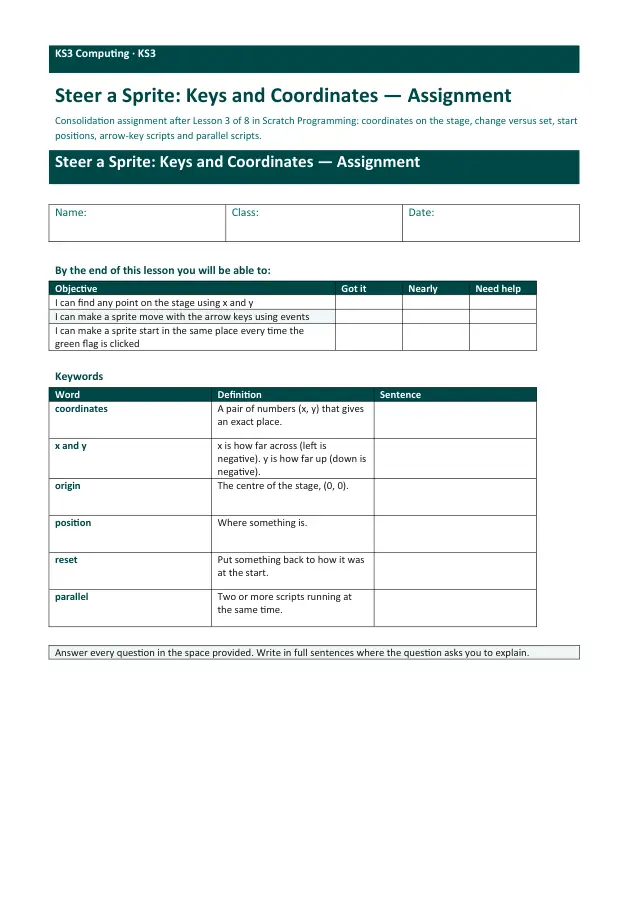
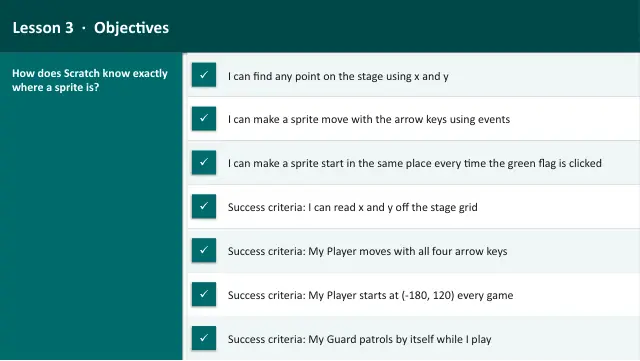
Scratch Programming, Lesson 3 of 8. Coordinates on the 480 by 360 stage, steering a Player with the arrow keys, a start position that resets every green flag, and a Guard that patrols in parallel.
17 slides.
Lesson outline
- Where Is (0, 0)?
- Do Now
- From Maths to the Stage
- I Do — Arrow Keys
- Quick Check — Which Way Is Down?
- I Do — Start in the Same Place
- Hinge Check — Which Dot?
- Part 1 (together) — A Teleport Key
- Read the Maze
- Part 2 — Steer Through the Maze
- Part 3 (together) — A Guard on Patrol
- Part 3 — A Guard on Patrol
Unit bundleScratch Programming
More from Scratch Programming
- Lesson packBuild a Catch Game: Random and BroadcastSubscription
- Lesson packDebug It: Find, Fix and ImproveSubscription
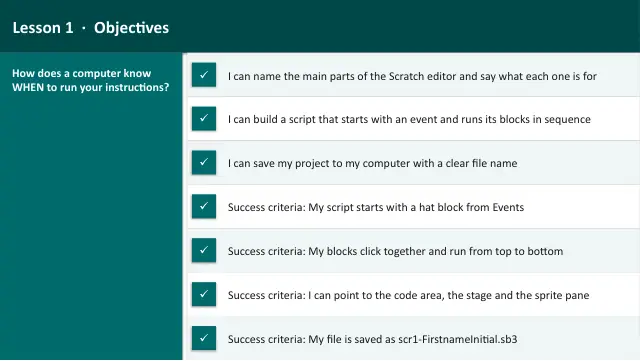
- Lesson packMeet Scratch: Sprites, Events and SequenceSubscription
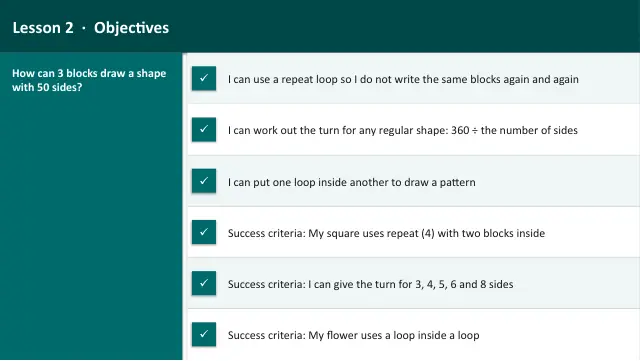
- Lesson packRepeat Loops: Draw Shapes with the PenSubscription
- Lesson packScratch Challenge and ShowcaseSubscription
- Lesson packSelection: Walls and a GoalSubscription
- Lesson packVariables: Score and TimerSubscription
- Knowledge organiserScratch ProgrammingSubscription