Inside the Machine (How Computers Work) for KS3 Computing: 8 ready-made live quiz games, 117 questions in all.
The questions cover Hardware components, Input/Output/Sensors, Hardware Components, General-Purpose vs Embedded, RAM and ROM and Storage Units.
There are 3 practice sets, 3 picture rounds and 2 quickfire rounds. Question types: 65 multiple choice, 42 true or false and 10 fill the gap. 57 questions have a picture.
Pick a set, put the join code on the board and pupils play on their phones. Pupils need no account. Free for teachers, up to 40 players.
The gamesEach set is a fixed list of questions. Open a preview to see a few of them. Quickfire: Inside the Machine (How Computers Work) KS3 15 questions · Warm-up
Plays in 17 of 17 game modes, including Gold Rush, Big Catch and Speed Blitz.
Preview 3 sample questions 1 Which of these is an output device?
Printer Scanner Microphone Mouse
2 Which of these is an input device?
Speaker Webcam Monitor Printer
3 Clock speed is measured in which unit?
Bits Hertz (Hz) Watts Bytes
+ 12 more questions in the game.
Practice
Inside the Machine (How Computers Work): Hardware Components KS3 15 questions · Core
Plays in 17 of 17 game modes, including Gold Rush, Big Catch and Speed Blitz.
Preview 3 sample questions 1 True or false?
A light sensor can automatically detect how bright a room is.
2 True or false?
All input devices require a person to physically press a button.
3 True or false?
The motherboard allows the CPU, RAM and storage to communicate with each other.
+ 12 more questions in the game.
Practice
Inside the Machine (How Computers Work): General-Purpose vs Embedded KS3 15 questions · Core
Plays in 17 of 17 game modes, including Gold Rush, Big Catch and Speed Blitz.
Preview 3 sample questions 1 True or false?
Storage keeps data safe even when the power is switched off.
2 The CPU: true or false?
More cores always makes every single task run faster.
3 True or false?
A smartphone that can run many different apps is a general-purpose computer.
+ 12 more questions in the game.
KB MB GB TB
Practice
Inside the Machine (How Computers Work): Storage Units KS3 15 questions · Core
Plays in 17 of 17 game modes, including Gold Rush, Big Catch and Speed Blitz.
Preview 3 sample questions 1 Storage units: true or false?
A byte is made up of 8 bits.
2 True or false?
The fetch-decode-execute cycle repeats continuously while a computer is running.
3 Data goes IN at the ____ stage.
output process input storage
+ 12 more questions in the game.
Quickfire: Computer hardware KS3 15 questions · Warm-up ·
Plays in 13 of 17 game modes, including Gold Rush, Big Catch and Fossil Hunt.
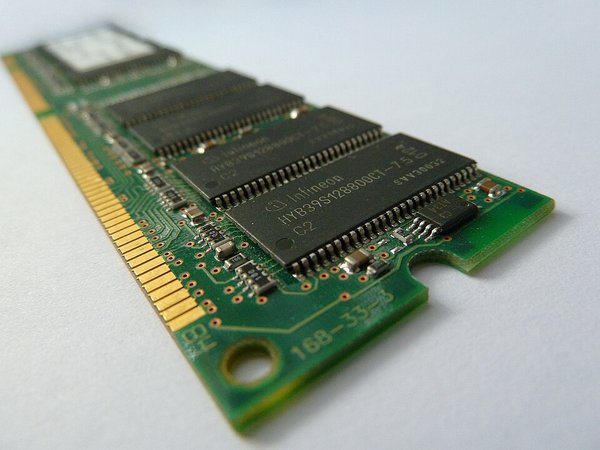
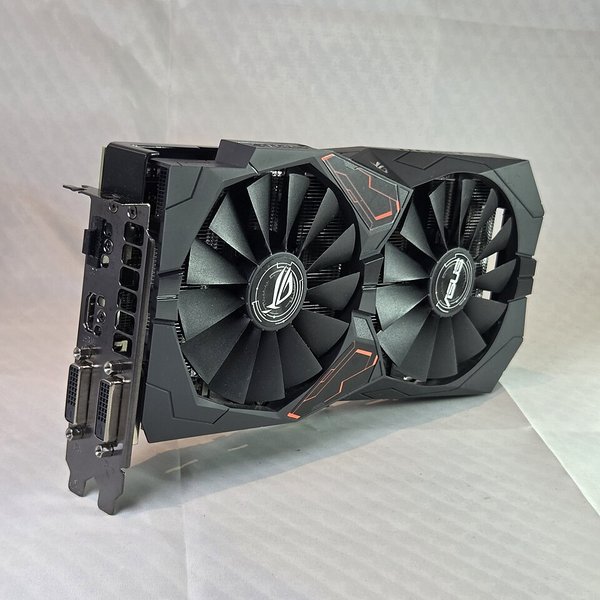
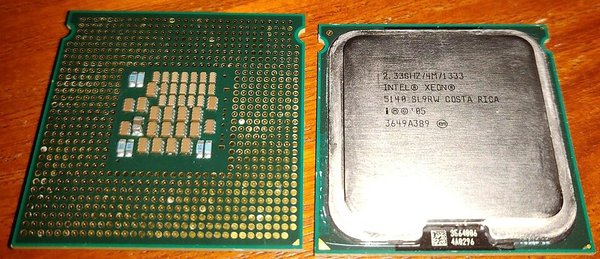
Preview 3 sample questions 1 Picture: Laserlicht, CC BY-SA 3.0, via Wikimedia Commons
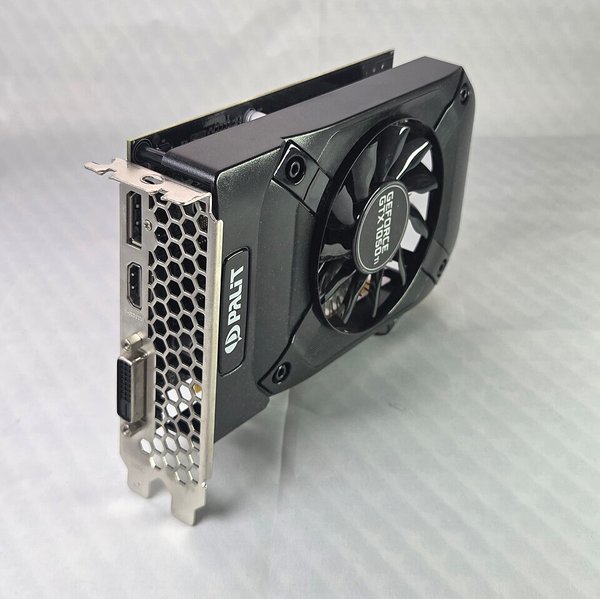
What is this component?
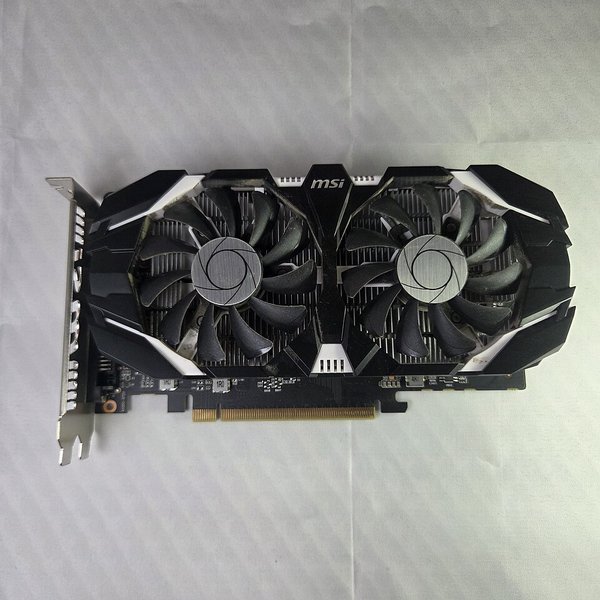
CPU Motherboard Graphics card (GPU) RAM
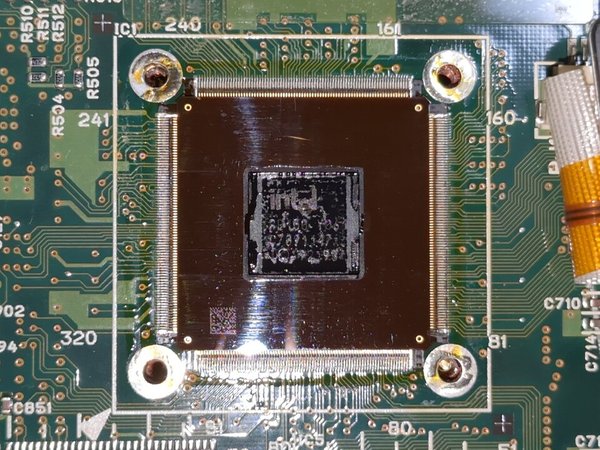
2 Picture: TranslucentFoxHuman, CC0, via Wikimedia Commons
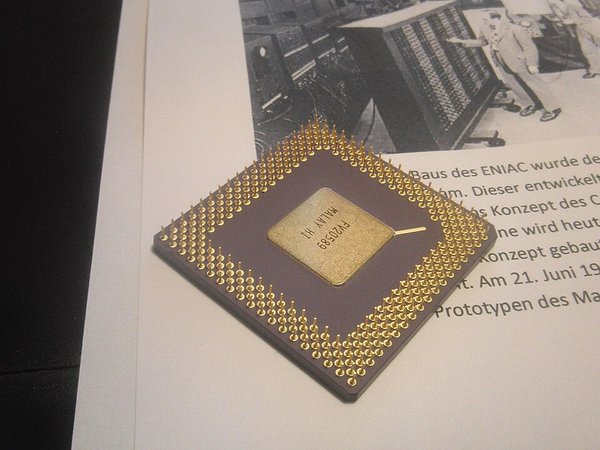
What is this component?
RAM Motherboard CPU Power supply unit (PSU)
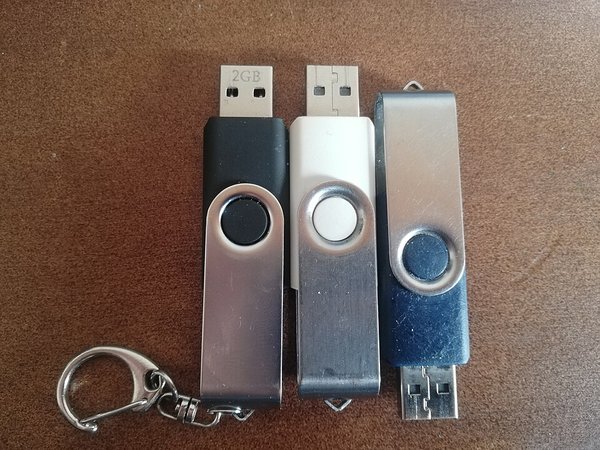
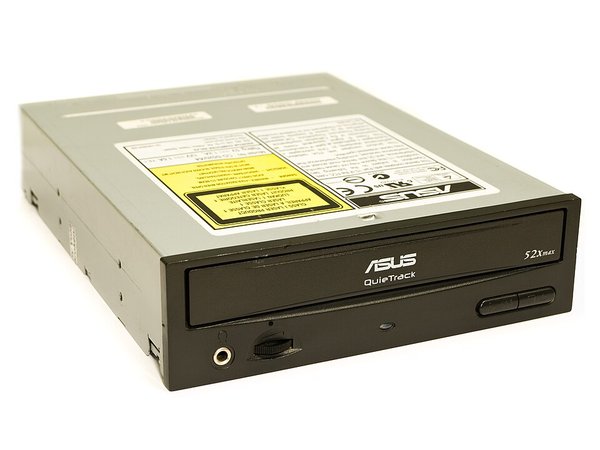
3 Picture: Èl-Gueuye-Noere, CC BY-SA 4.0, via Wikimedia Commons
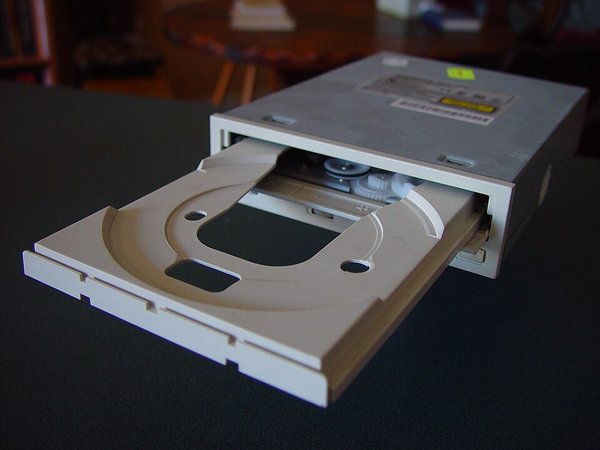
What is this component?
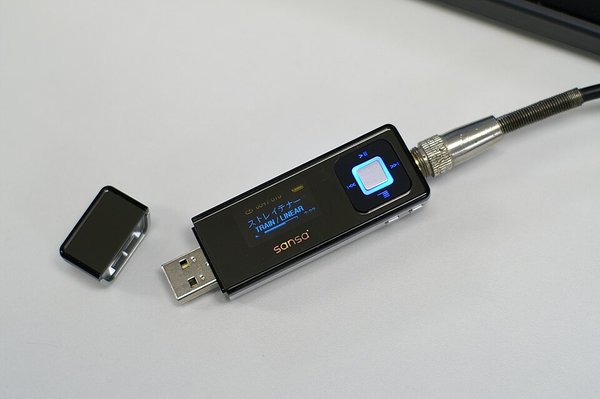
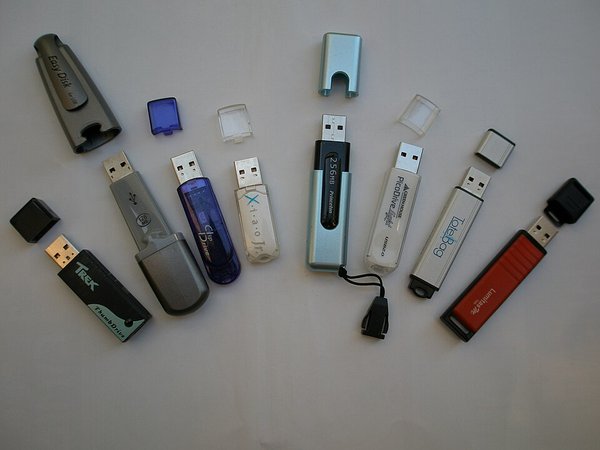
Optical drive CPU RAM USB flash drive
+ 12 more questions in the game.
Picture round: Hardware components KS3 15 questions · Core ·
Plays in 13 of 17 game modes, including Gold Rush, Big Catch and Fossil Hunt.
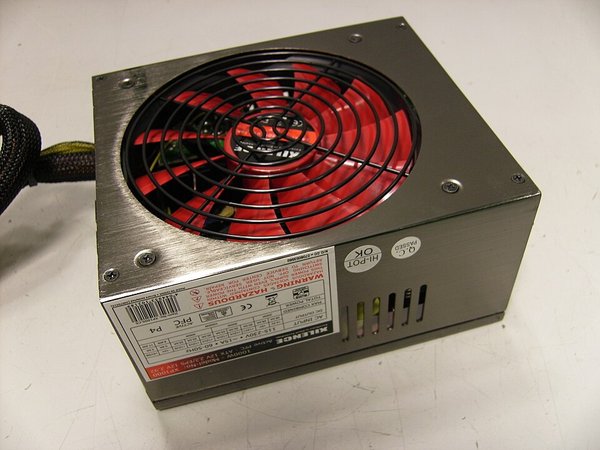
Preview 3 sample questions 1 Picture: This photography was taken by: Alan Lorenzo - (User..., CC BY-SA 3.0, via Wikimedia Commons
What is this component?
Power supply unit (PSU) Optical drive CPU Graphics card (GPU)
2 Picture: Daisuke Murase from Kamakura, Japan, CC BY-SA 2.0, via Wikimedia Commons
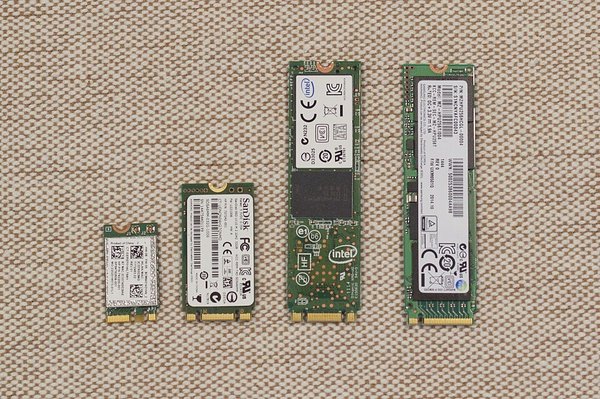
What is this component?
Motherboard Solid state drive (SSD) USB flash drive Optical drive
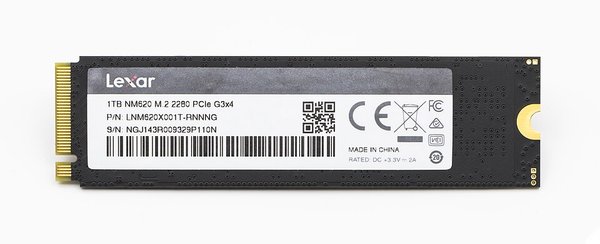
3 Picture: Raimond Spekking, CC BY-SA 4.0, via Wikimedia Commons
What is this component?
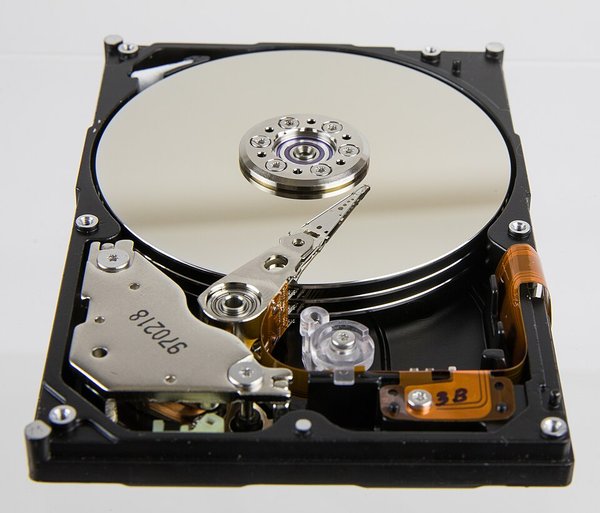
Solid state drive (SSD) RAM Hard disk drive (HDD) Motherboard
+ 12 more questions in the game.
Picture round: Hardware components, set 2 KS3 15 questions · Core ·
Plays in 13 of 17 game modes, including Gold Rush, Big Catch and Fossil Hunt.
Preview 3 sample questions 1 Picture: Nicolasfoster, CC0, via Wikimedia Commons
What is this component?
Power supply unit (PSU) Motherboard Hard disk drive (HDD) Graphics card (GPU)
2 Picture: ITEagle Europe - Sebastiaan Broekhoven, CC BY-SA 4.0, via Wikimedia Commons
What is this component?
Power supply unit (PSU) Solid state drive (SSD) Motherboard Graphics card (GPU)
3 Picture: user:健ちゃん, CC BY-SA 3.0, via Wikimedia Commons
What is this component?
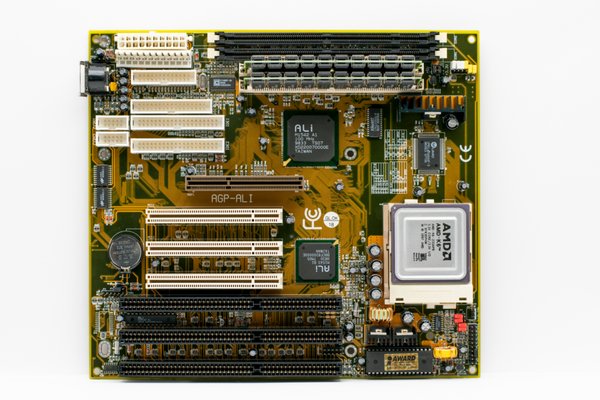
Hard disk drive (HDD) Power supply unit (PSU) Motherboard USB flash drive
+ 12 more questions in the game.
Picture round: Hardware components, set 3 KS3 12 questions · Core ·
Plays in 13 of 17 game modes, including Gold Rush, Big Catch and Fossil Hunt.
Preview 3 sample questions 1 Picture: ITEagle Europe - Sebastiaan Broekhoven, CC BY-SA 4.0, via Wikimedia Commons
What is this component?
Power supply unit (PSU) Solid state drive (SSD) Graphics card (GPU) USB flash drive
2 Which of these is the CPU?
3 Which of these is an optical drive?
+ 9 more questions in the game.
How hosting works Pick a set and a game mode. The questions stay the same; the game changes.Put the join code on the board. Pupils join at subjecthub.co.uk/play on a phone or laptop. They need no account.Play for 1 to 7 minutes. You choose the length before you start.Free for teachers: host these sets with up to 40 players. You sign up once as a teacher.
See how each game mode plays →
More KS3 Computing topics ← All KS3 Computing games · All live games