Raster, vector and the properties of digital graphics
Creative iMediaR094 L04GCSEWorksheetSubscription
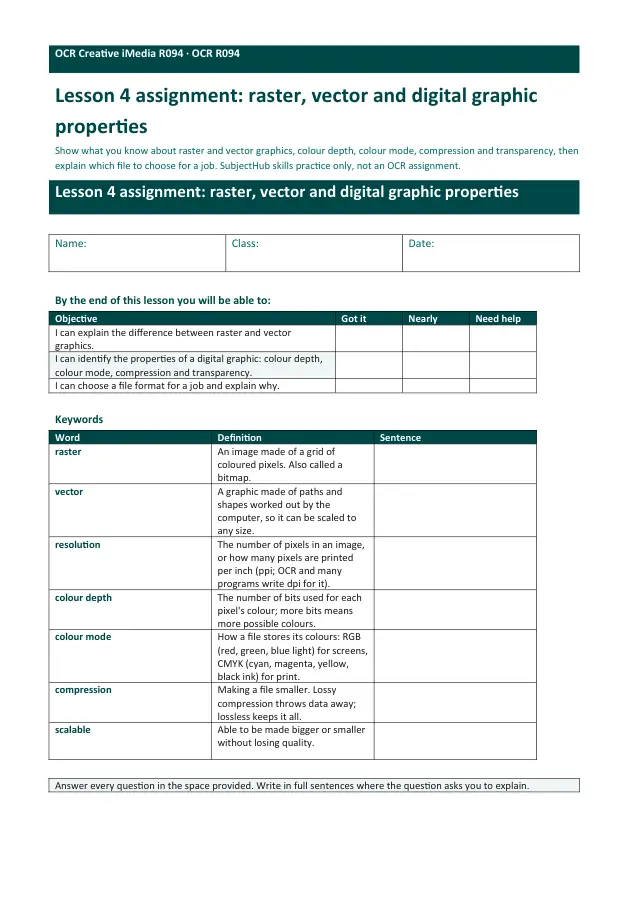
Also online
This worksheet marks itself
Set it as homework or classwork and every answer is marked as pupils go, with feedback on what they got wrong. The scores go straight into your mark book, so you can see who needs help before the next lesson.
- 8 questions
- 19 marks
- about 20 minutes
- marked instantly
Question types: multiple choice, short answer, true or false, matching.
Try one from this worksheet
An image has a colour depth of 8 bits per pixel. At most how many different colours can it show?
Pick an answer: it's marked straight away, just as your pupils would see it.
About this resource
How raster and vector graphics differ, what colour depth, colour mode, compression and transparency mean, and how to choose a file format that keeps quality for a job.
Lesson outline
- Same logo. Two sizes.
- Do Now — Retrieval
- Keywords for this lesson
- Teach — What a raster image is made of
- Teach — Raster and vector properties compared
- Quick check — Which property?
- I Do — Is Fernbrook's logo big enough for a shop sign?
- Hinge Check — Which file is the master?
- We Do — Glimmerwick's file formats
- Sort — Raster, vector or both?
- Task — Three jobs for Glimmerwick
- Check — Compare your answers with the model
Set · 12 worksheetsR094 Visual identity and digital graphics · lesson worksheets: worksheets
Unit bundleR094 Visual identity and digital graphics · lesson worksheets
More from R094 Visual identity and digital graphics · lesson worksheets
- Set · 12 worksheetsR094 Visual identity and digital graphics · lesson worksheets: worksheetsSubscription
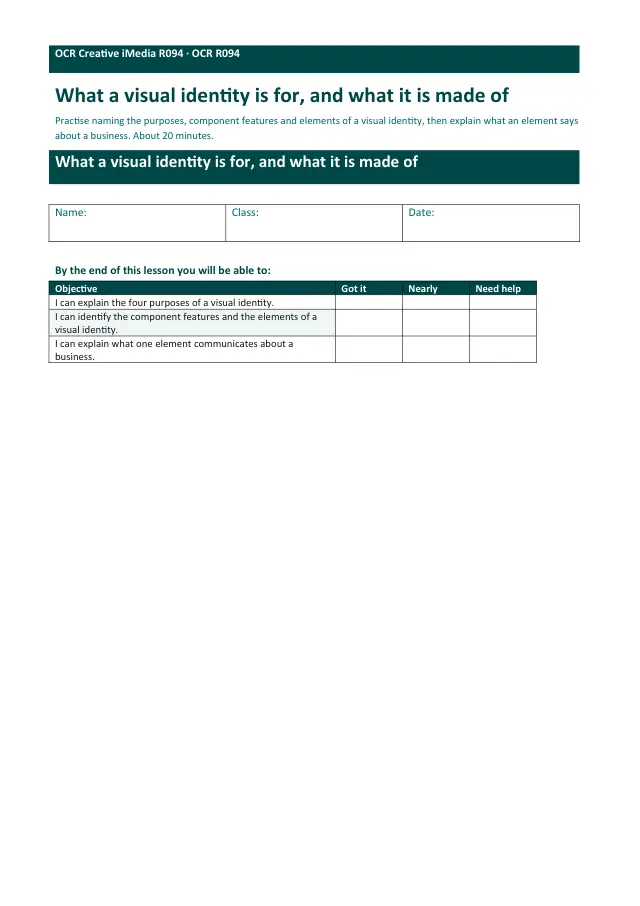
- Worksheet · R094 L01What a visual identity is for, and what it is made ofSubscription
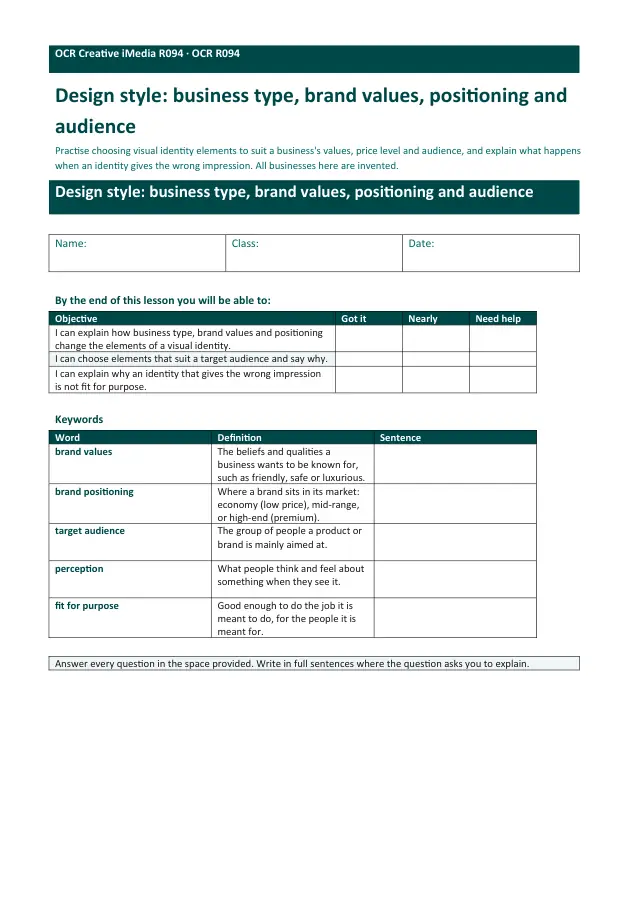
- Worksheet · R094 L02Design style: business type, brand values, positioning and audienceSubscription
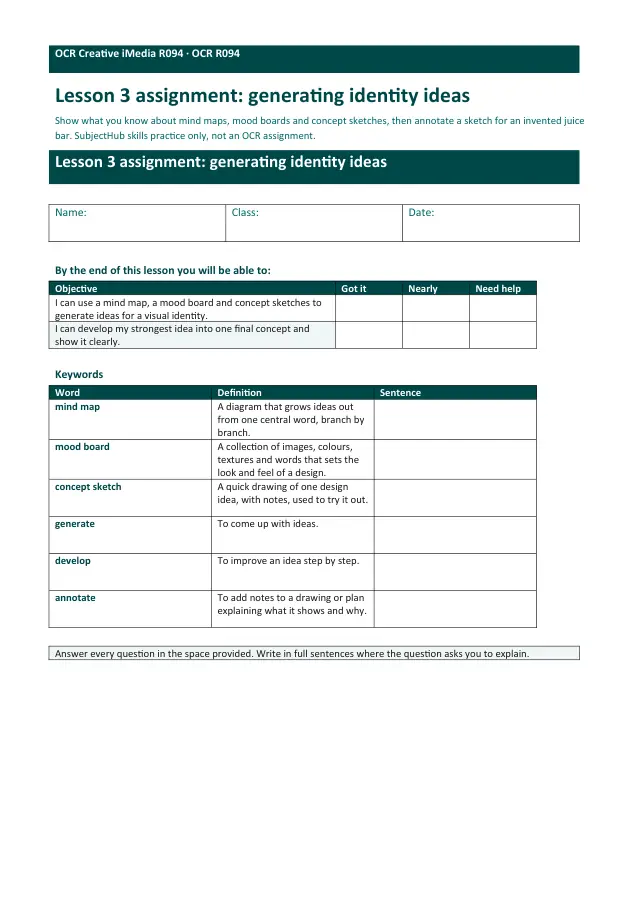
- Worksheet · R094 L03Generating identity ideas: mind maps, mood boards and concept sketchesSubscription
- Worksheet · R094 L05Identity sprint: make, save and export a visual identitySubscription
- Worksheet · R094 L06Justifying a visual identity: how and why, for the client and the audienceSubscription
- Worksheet · R094 L07Graphic design concepts and layout conventionsSubscription
- Worksheet · R094 L08Planning a graphic: visualisation diagrams and asset tablesSubscription