Image-editing tools: canvas, layout, drawing, layers, type and filters
Creative iMediaR094 L09GCSEWorksheetSubscription

Also online
This worksheet marks itself
Set it as homework or classwork and every answer is marked as pupils go, with feedback on what they got wrong. The scores go straight into your mark book, so you can see who needs help before the next lesson.
- 4 questions
- 12 marks
- about 15 minutes
- marked instantly
Question types: multiple choice, matching, short answer.
Try one from this worksheet
Dev has made a poster in the Image Editor and wants to show a marker he built it with layers. Which of these is the best evidence?
Pick an answer: it's marked straight away, just as your pupils would see it.
About this resource
Use layers, drawing tools, layout tools, the text tool, layer styles and filters to start a key art graphic, and capture before, during and after screenshots as evidence.
Lesson outline
- What we are learning
- Same tool. What changed?
- Do Now
- Finding your way round the Image Editor
- I do: the first layers of the key art
- Hinge: how will a marker know?
- Guided: the sky and sea layers
- Semi-guided: the title on the grid
- Checkpoint: your layer names in order
- Independent: finish the logo and line layers
- Self-check: which mark band is my tool use in?
- Homework
Set · 12 worksheetsR094 Visual identity and digital graphics · lesson worksheets: worksheets
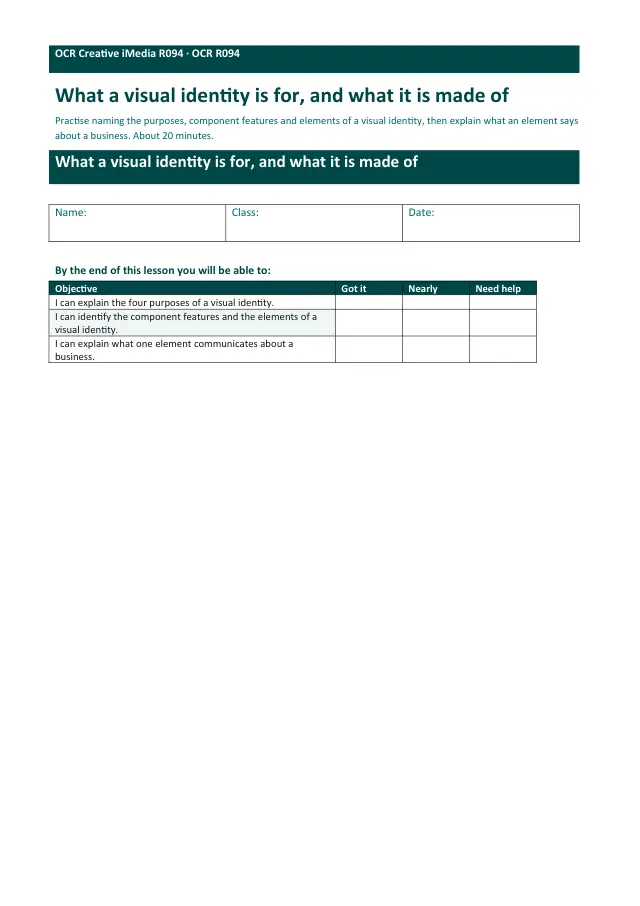
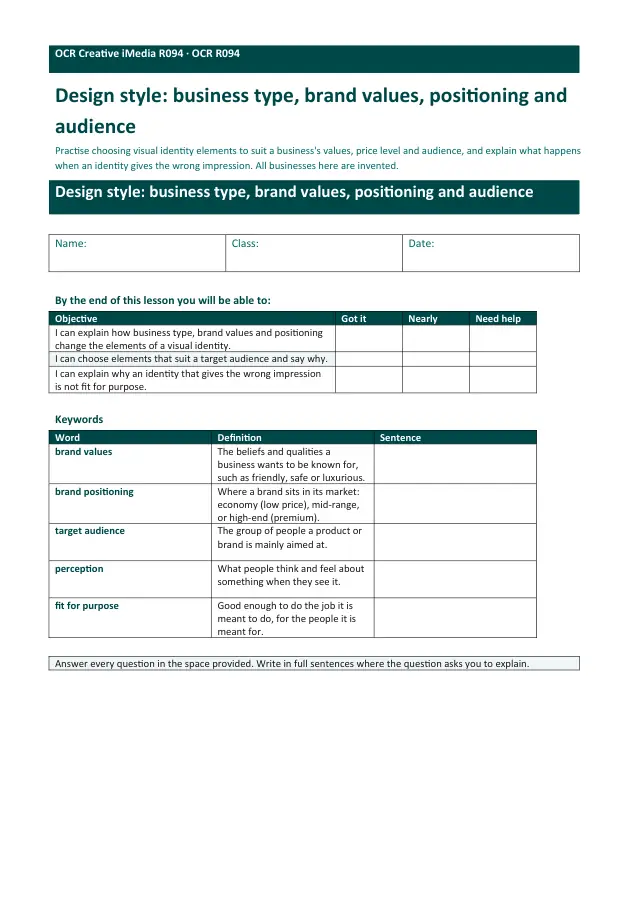
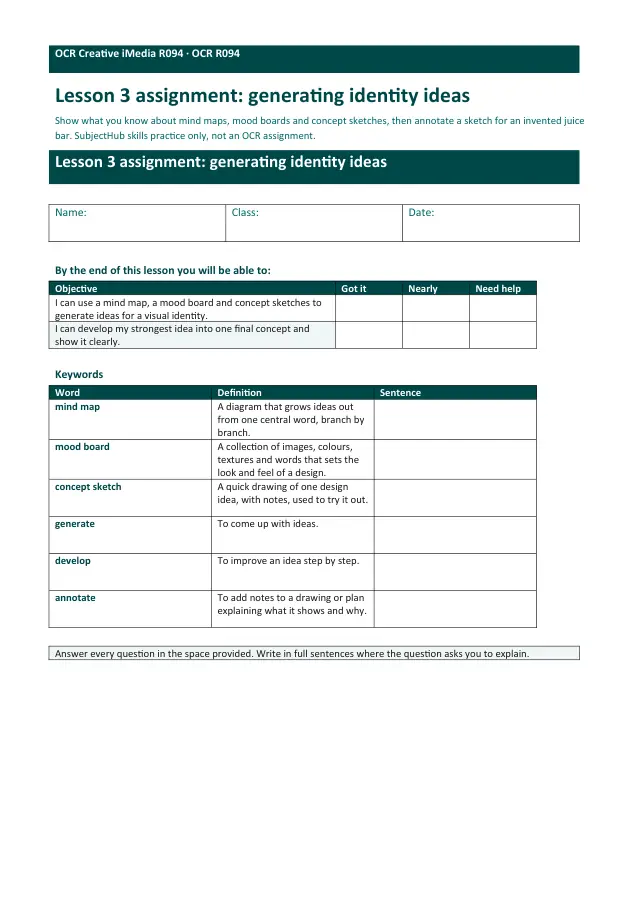
Unit bundleR094 Visual identity and digital graphics · lesson worksheets
More from R094 Visual identity and digital graphics · lesson worksheets
- Set · 12 worksheetsR094 Visual identity and digital graphics · lesson worksheets: worksheetsSubscription
- Worksheet · R094 L01What a visual identity is for, and what it is made ofSubscription
- Worksheet · R094 L02Design style: business type, brand values, positioning and audienceSubscription
- Worksheet · R094 L03Generating identity ideas: mind maps, mood boards and concept sketchesSubscription
- Worksheet · R094 L04Raster, vector and the properties of digital graphicsSubscription
- Worksheet · R094 L05Identity sprint: make, save and export a visual identitySubscription
- Worksheet · R094 L06Justifying a visual identity: how and why, for the client and the audienceSubscription
- Worksheet · R094 L07Graphic design concepts and layout conventionsSubscription