Meet Blocks Studio: Sprites, Events and Sequence
KS3 ComputingKS3Lesson packSubscription
Also online
This worksheet marks itself
Set it as homework or classwork and every answer is marked as pupils go, with feedback on what they got wrong. The scores go straight into your mark book, so you can see who needs help before the next lesson.
- 13 questions
- 35 marks
- about 35 minutes
- marked instantly
Question types: multiple choice, matching, short answer, fill the gap, true or false.
One question from this worksheet
- 1. The question
- 2. A pupil answers
- 3. Marked instantly
About this resource
Programming with Blocks, Lesson 1 of 8. A tour of Blocks Studio, then three guided builds in a project that saves itself: a script that starts with an event, a sequence of blocks that run top to bottom, and two sprites with two different events. Ends with a mini-project and where your work is kep…
15 slides.
Lesson outline
- Run and Stop
- Do Now — What You Know About Algorithms
- Blocks Studio — Six Parts
- Hinge Check — Where Does It Run?
- Build 1 — Say Hello
- Checkpoint 1 — Yours Should Look Like This
- Build 2 — A Sequence for Bot
- Checkpoint 2 — Predict It
- Build 3 — Two Sprites, Two Events
- Where Your Work Lives
- Mini-Project — Your Own Scene
- Mini-Project — Your Events
Unit bundleProgramming with Blocks
More from Programming with Blocks
- Lesson packBlocks Challenge and ShowcaseSubscription
- Lesson packBuild a Catch Game: Random and MessagesSubscription
- Lesson packDebug It: Find, Fix and ImproveSubscription
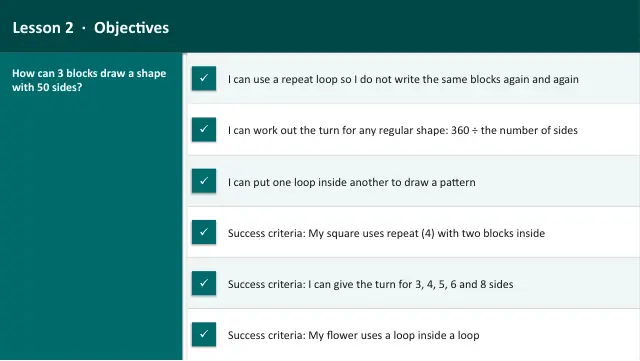
- Lesson packRepeat Loops: Draw Shapes with the PenSubscription
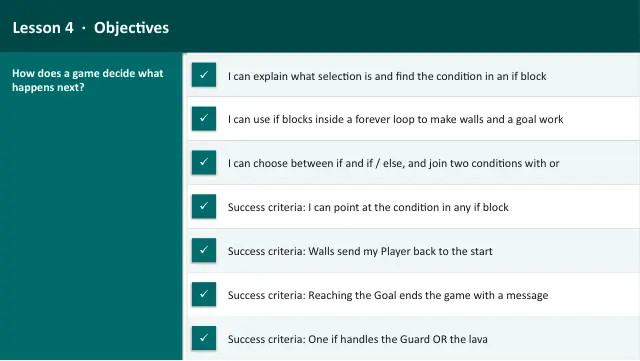
- Lesson packSelection: Walls and a GoalSubscription
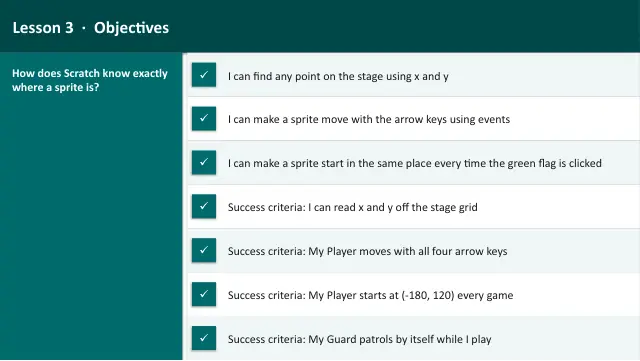
- Lesson packSteer a Sprite: Keys and CoordinatesSubscription
- Lesson packVariables: Score and TimerSubscription
- Knowledge organiserProgramming with BlocksSubscription